

Need real estate video ideas for your next listing? Most agents know video helps, but few know where to start. Here are 20 real estate video examples built with AI, sorted by room and by use, that you can reproduce on your own listings today.
Each example below is a type of shot that IACrea's AI real estate video tool generates from a single photo. No shoot, no editor, no separate video budget.
What you'll find in this article:
- 5 interior video examples (entry, living room, kitchen, bedroom, home office)
- 5 exterior and high-end home examples (yard, pool, front elevation)
- 4 before/after videos that stop the scroll
- 3 short formats built for Instagram and TikTok
- 3 behind-the-scenes examples that showcase your own work
- What each format really costs, compared with hiring a videographer
Why these examples are worth copying
In NAR's 2025 Profile of Home Staging, 73% of buyers' agents rate photos as highly important to their clients, and 48% say the same about video. Photos are the baseline. Video is the extra layer that sets a listing apart. Each of these 20 examples targets a specific moment in the buyer's journey, from the first impression on a listing portal to a share on social media.
| Video type | Main goal | Ideal length | Where to post |
|---|---|---|---|
| Interior showcase video | Turn listing views into calls | 30–60 sec | Listing portals + your website |
| Exterior / high-end home video | Show off space and light | 15–30 sec | Listing portals + Reels |
| Before/after video | Grab attention, create an emotional hook | 10–20 sec | Social media |
| Short vertical video | Organic lead generation | 15–30 sec | Instagram, TikTok |
The same report found that 83% of buyers' agents say staging makes it easier for buyers to picture the home as their own, and 49% of sellers' agents saw staging reduce time on market. Virtual staging brings that effect to your photos. Put it in motion and buyers notice it even more.
5 interior video examples that make buyers want to tour
Example 1 — The entry push-in
The opening shot of a listing video is often a slow push-in through the entry or down the hallway. That feeling of walking into the home grabs attention in the first 3 seconds, which matters: on social media, viewers drop off fast after that.
Example 2 — The living room pan
In a large living room or a great room with a view, a slow horizontal pan shows the full width of the space without distortion. The AI sets the move automatically based on the depth of the source photo.
Example 3 — The animated kitchen
Example: a kitchen animated from a single photo. The AI recalculates the light and the reflections on the countertop so they stay consistent through the whole move.
In NAR's 2025 Profile of Home Staging, buyers' agents rank the kitchen among the three most important rooms to stage, right behind the living room and the primary bedroom. A shot that glides past the island or along the countertop gives a stronger sense of space than a wide-angle photo.
Example 4 — The two-angle bedroom
Example: a bedroom dolly shot generated from two photos taken at different angles, for a fuller view of the room than a single still.
When you combine two photos of the same room from two angles, the AI can build a longer move that tells more of a story. It's especially useful for primary bedrooms and primary suites, which are often a strong selling point.
Example 5 — The home office or walk-in closet
Example: an animated home office. Demand for this space grew as remote work spread, and buyers in cities look for it in particular.
Homes with a dedicated office, or a room that can become one, are easier to sell to buyers who work from home part of the week. A short clip of that room speaks directly to what they're searching for.
5 exterior and high-end home video examples
Example 6 — The backyard push-in
A camera move that travels toward the back of the yard conveys depth better than a wide photo. It works especially well on long, narrow lots, which still photos tend to undersell.
Example 7 — The rising pool shot
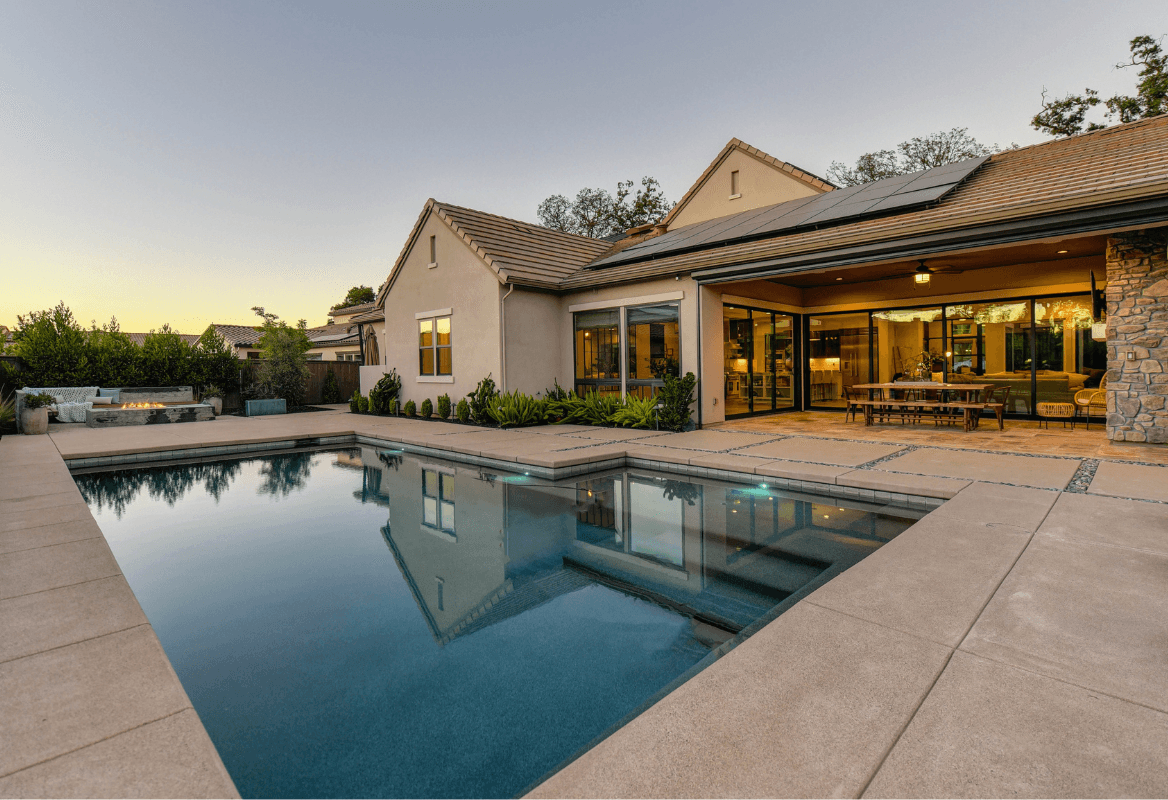
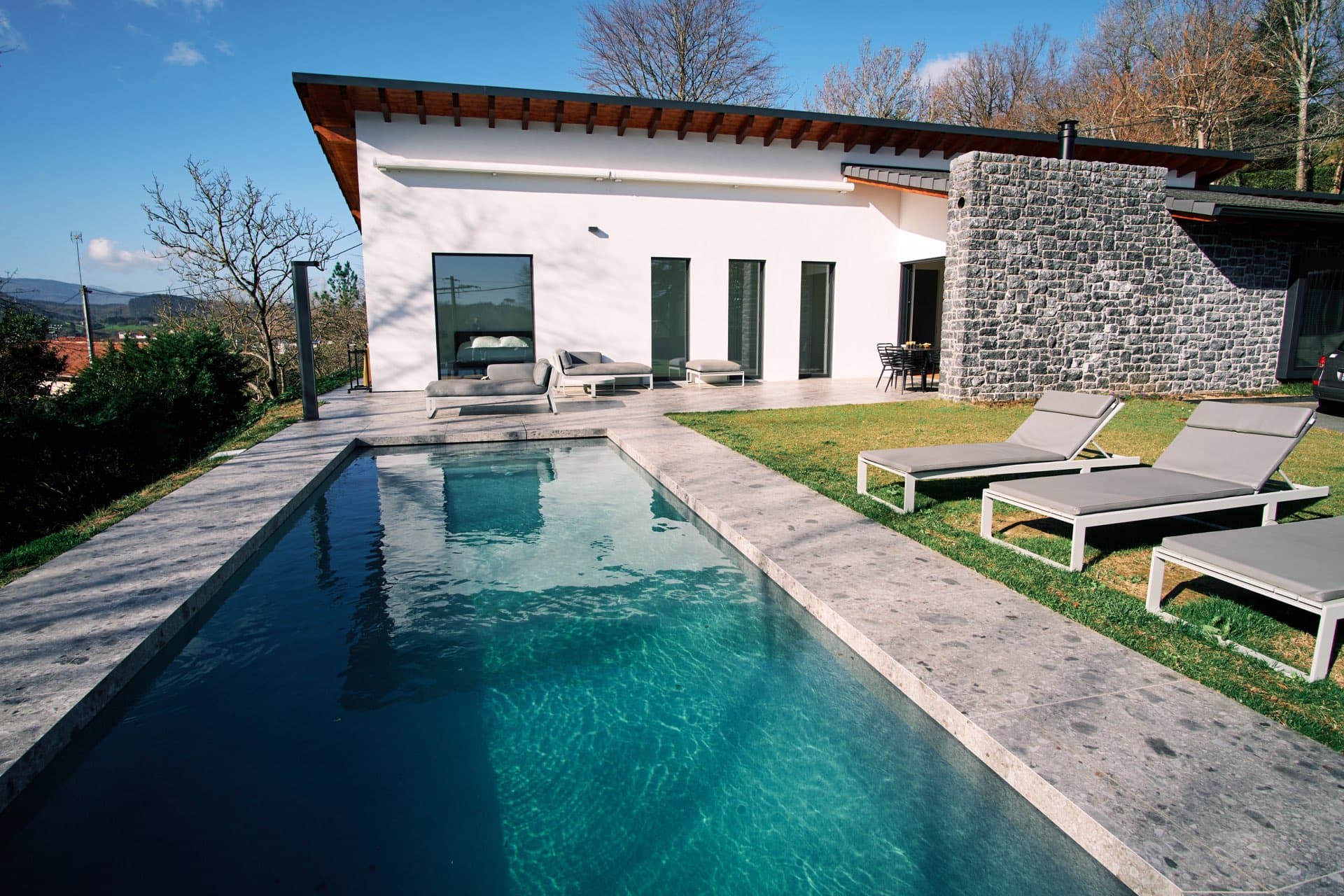
Example: a slow rise above the pool. The move shows both the pool and the whole yard, a key selling point for luxury listings.
Example 8 — The sunset front elevation
The AI can relight a front exterior shot in broad daylight so it feels like golden hour, with warmer light and longer shadows, without a new shoot.
Example 9 — The exterior push-in with a blue sky
Example: an exterior push-in with sky replacement. A home photographed under an overcast sky gets a clear one, without changing the structure of the house.
This is especially useful in places with long gray seasons, like the Pacific Northwest or the Midwest in winter, where plenty of listings get photographed in less than ideal weather.
Example 10 — The deck or rooftop terrace
On a home with a deck or rooftop terrace, a wide pan captures both the open view and the outdoor living area. This format performs well in Instagram Stories, where the vertical frame crops less of the horizon than you might expect.
4 before/after video examples that stop the scroll
Example 11 — Decluttering in motion
AI-generated example: a room virtually decluttered, from crowded to clear. Label it as virtually staged in your listing.
Virtual decluttering is one of the most watched before/after formats. It answers a common buyer objection (“I can't picture myself here”) and solves it on screen in a few seconds.
Example 12 — The virtual staging fade
AI-generated example: an empty room that gradually fills with furniture through virtual staging. Label it as virtually staged.
This format works best on vacant homes and fixer-uppers, where your job is to show the potential rather than the current condition. Find more use cases in our article on 15 virtual staging before-and-after examples that sell.
Example 13 — The renovation morph
AI-generated example: an empty room gradually transformed into a furnished one. Label it as virtually staged.
Example 14 — The exterior before/after
AI-generated example: a neglected exterior brought back to life, with a trimmed yard, a replaced sky and boosted natural light.
An overgrown yard or a tired front exterior often makes a bad first impression right from the listing thumbnail. An exterior before/after, even a short one, instantly changes how buyers see the home.
3 short formats built for Instagram and TikTok
Example 15 — The multi-room vertical Reel
A 9:16 video, 15 to 30 seconds long, that strings together 4 to 6 short clips with captions, because a lot of people scroll with the sound off. See our guide to AI social media content for real estate for a full posting strategy.
Example 16 — The “coming soon” Story teaser
A single 5- to 8-second clip of the home's most striking shot (pool, view, open kitchen), posted as a Story before the listing officially goes live. This teaser builds curiosity among your existing followers.
Example 17 — The “before you tour” video carousel
A set of 3 to 4 short clips, one per room, posted as a carousel instead of a single video. Buyers move through it at their own pace, which keeps them on your post longer.
3 behind-the-scenes examples that showcase your own work
Example 18 — The editing demo
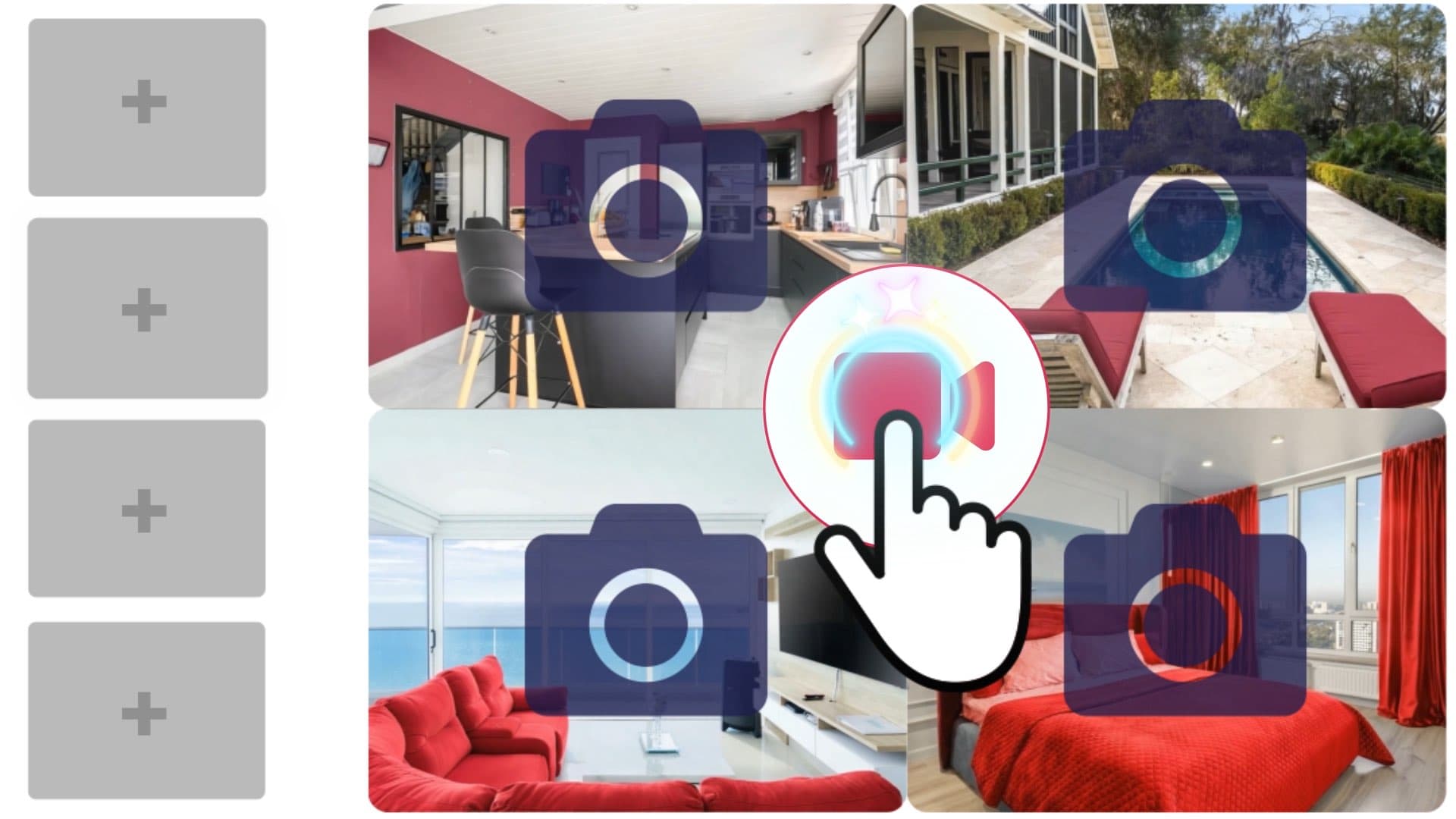
Example: a listing video assembled in the IACrea real estate video editor, a handy format to show sellers how you work.
Some agents post a quick look at their process (picking the photos, generating the clips, editing) to reassure a hesitant seller about the quality of the final result.
Example 19 — The agent or team intro video
A short video that introduces you or your team, how you work and 2 or 3 of your current listings. It's an evergreen piece, useful at the bottom of your website or pinned to your professional social profiles.
Example 20 — The “listings of the month” recap
A monthly montage of your best listings in a single clip, posted on LinkedIn or sent in your newsletter. It shows off your whole inventory instead of one home, which helps you win future listings.
How much does it cost to reproduce these examples?
| Option | Cost per video | Turnaround | Volume |
|---|---|---|---|
| Professional videographer | $200 to $2,500+ per listing | Several days (shoot + edit) | 1 to 2 homes a day |
| Generic video editing app | Monthly subscription | 1 to 2 days | Varies |
| IACrea AI video | €2 to €8 per video | Under 2 minutes | 20 to 50 homes a day |
Videographer pricing depends on your market and the package: a basic walkthrough typically starts around $200 to $500, while drone footage or agent-led tours push the bill higher. With 40 listings a year and 5 clips per home, your AI video budget stays around €800 a year, easily offset by faster sales and listings that stand out from the thumbnail. Check our pricing plans to pick the plan that fits your listing volume.
Before you publish, if a file is too large or in the wrong format for a portal, our free video tools convert it right in your browser, no sign-up required.
FAQ: your questions about AI real estate video examples
What kinds of homes work best for AI video? Any residential listing works, but the effect is most striking on three types: vacant homes (the camera move makes up for the missing furniture), homes photographed on a gray day (the AI can relight the scene), and high-end homes with outdoor space (pool, yard, deck), where a push-in shows off a sense of scale a still photo can't.
How long does it take to create a video like these examples? Each clip renders in 30 to 90 seconds on IACrea. Counting the photo upload, picking a camera move and the export, an agent produces a full listing video (6 to 8 clips) in 15 to 20 minutes on average, versus several days with a traditional videographer.
Can I mix several camera moves in one video? Yes, and you should. One listing can chain a push-in on the entry, a pan across the living room and a slow rise in a room with a double-height ceiling. Varying the moves keeps the video from feeling repetitive and holds attention all the way through.
Do I need to disclose that the video is AI-generated? If the home appears virtually furnished or altered by AI (virtual staging, a different season), label it “Virtually staged” in the listing description, just as you would a staged photo. The NAR Code of Ethics (Article 12) requires a true picture in your advertising, and in California, AB 723 has required a disclosure and access to the original image for digitally altered listing images since January 1, 2026. A camera move on an unaltered photo doesn't change what buyers see, but MLS rules vary, so check yours.
Do these examples work for vacation rentals too? Yes. Short vertical formats (Reels, Stories) work especially well for vacation rentals: they show the pool, the view or the outdoor vibe in a few seconds, and travelers watch a lot of them before they book.
Which format should I use: listing portals or social media? Always export both: a 16:9 file (1920×1080) for YouTube, your website and the video link on your listing, and a vertical 9:16 file (1080×1920) for Instagram Reels and TikTok. IACrea creates both from the same photos with no extra work.
Conclusion: go from example to your own listing
None of these 20 examples is exceptional on its own. They're types of shots any agent can reproduce on their next listing, starting from a single photo. The difference between a listing that gets lost in the feed and one that gets calls often comes down to this: a few seconds of motion where everyone else only has still photos.
To go further, our guide to AI real estate video walks through the full workflow step by step. Try IACrea's AI real estate video tool now: your first 5 videos are free, no contract.
About the author

Co-founder & CEO of IACrea
Pauline Clavelloux is co-founder and CEO of IACrea. In daily contact with real estate agencies and agents, she understands their challenges around visibility, marketing and lead generation. On the blog, she shares actionable strategies on real estate marketing, social media and prospecting in the age of AI.
Related articles
Ready to turn your photos into content that sells?
Join thousands of real estate agents using IACrea to create professional content in seconds.
Try for free →