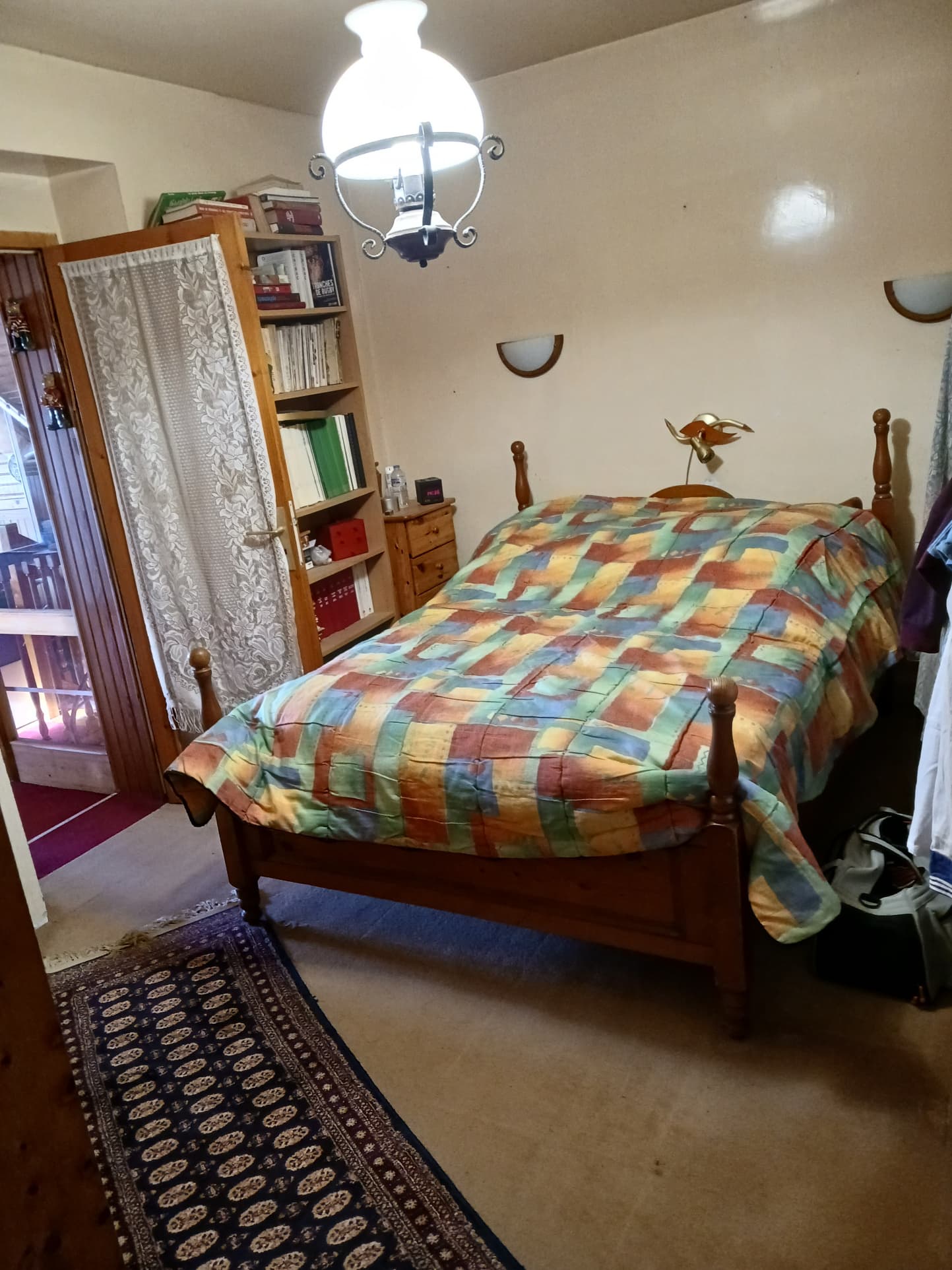
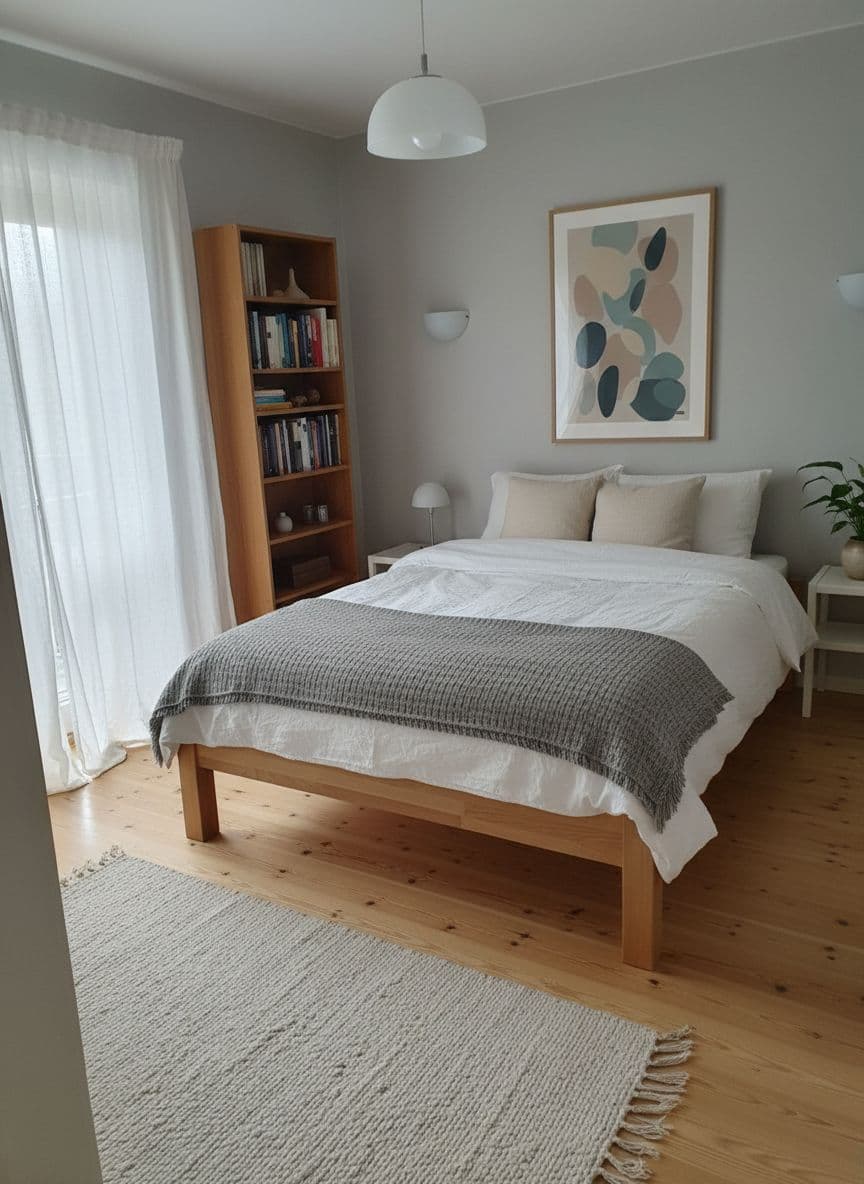
HDR Effect by AI
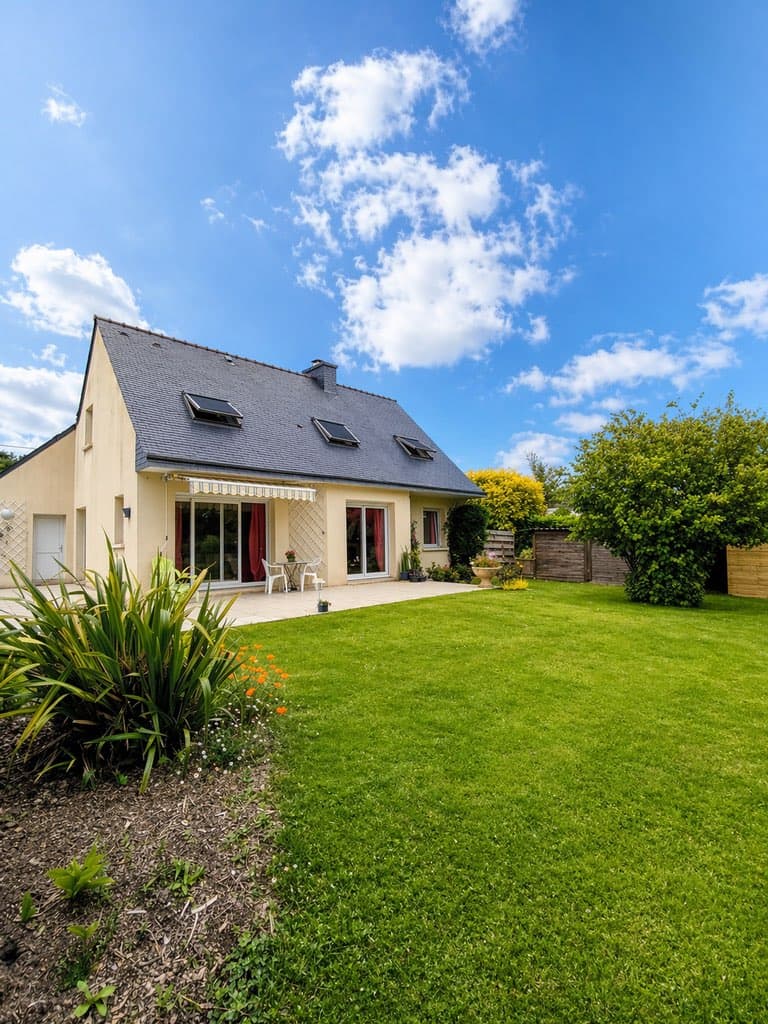
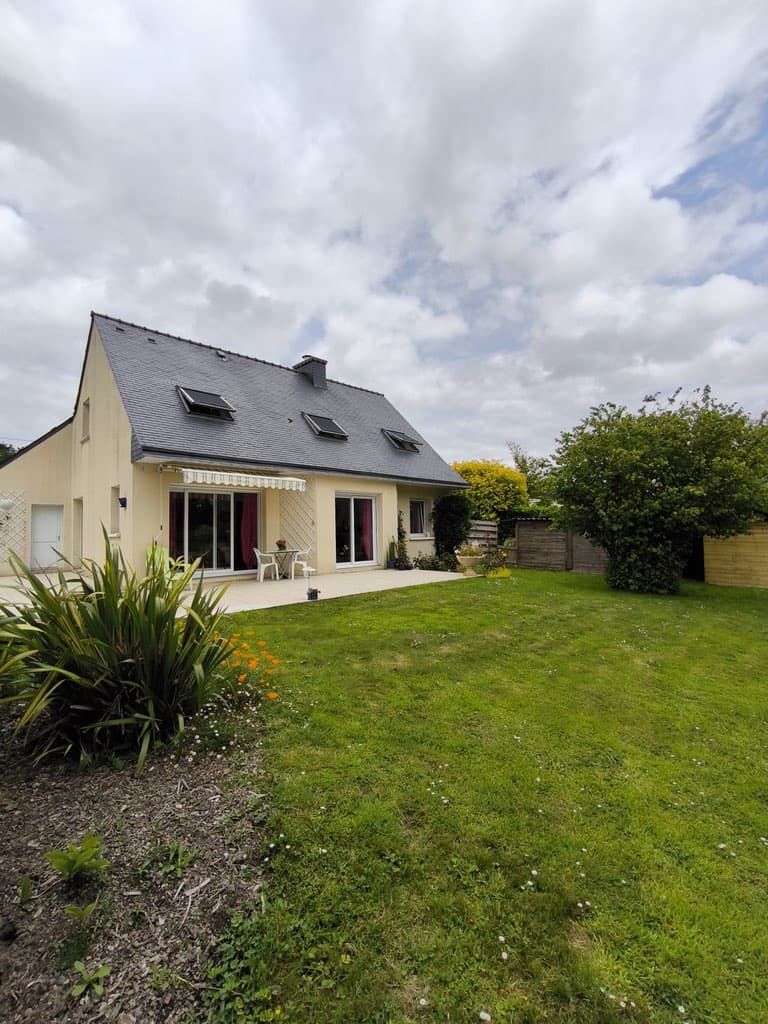
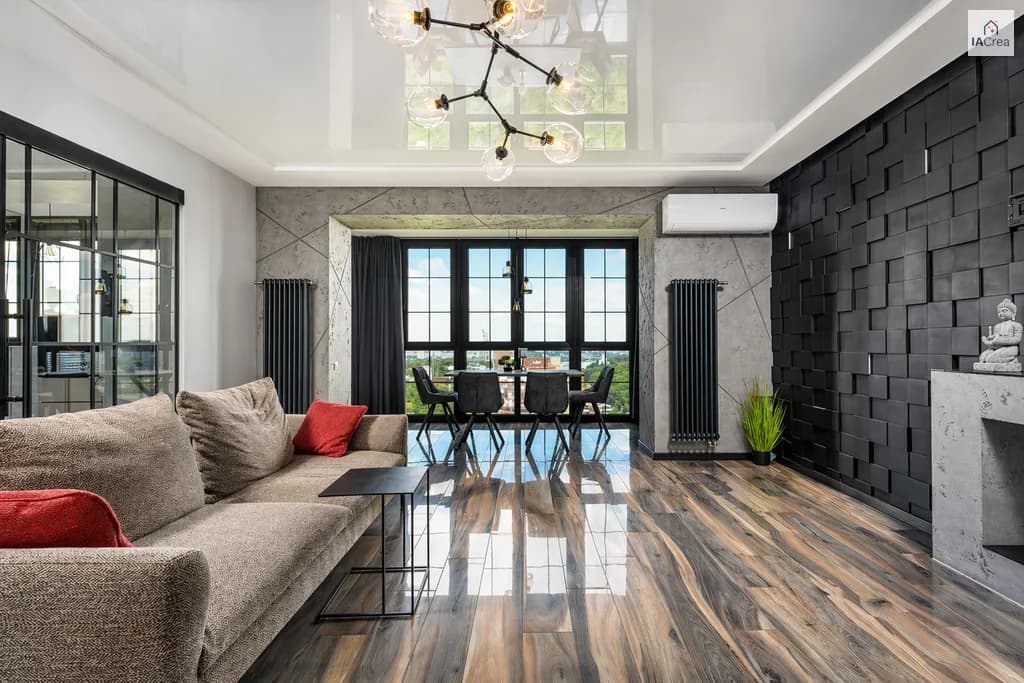
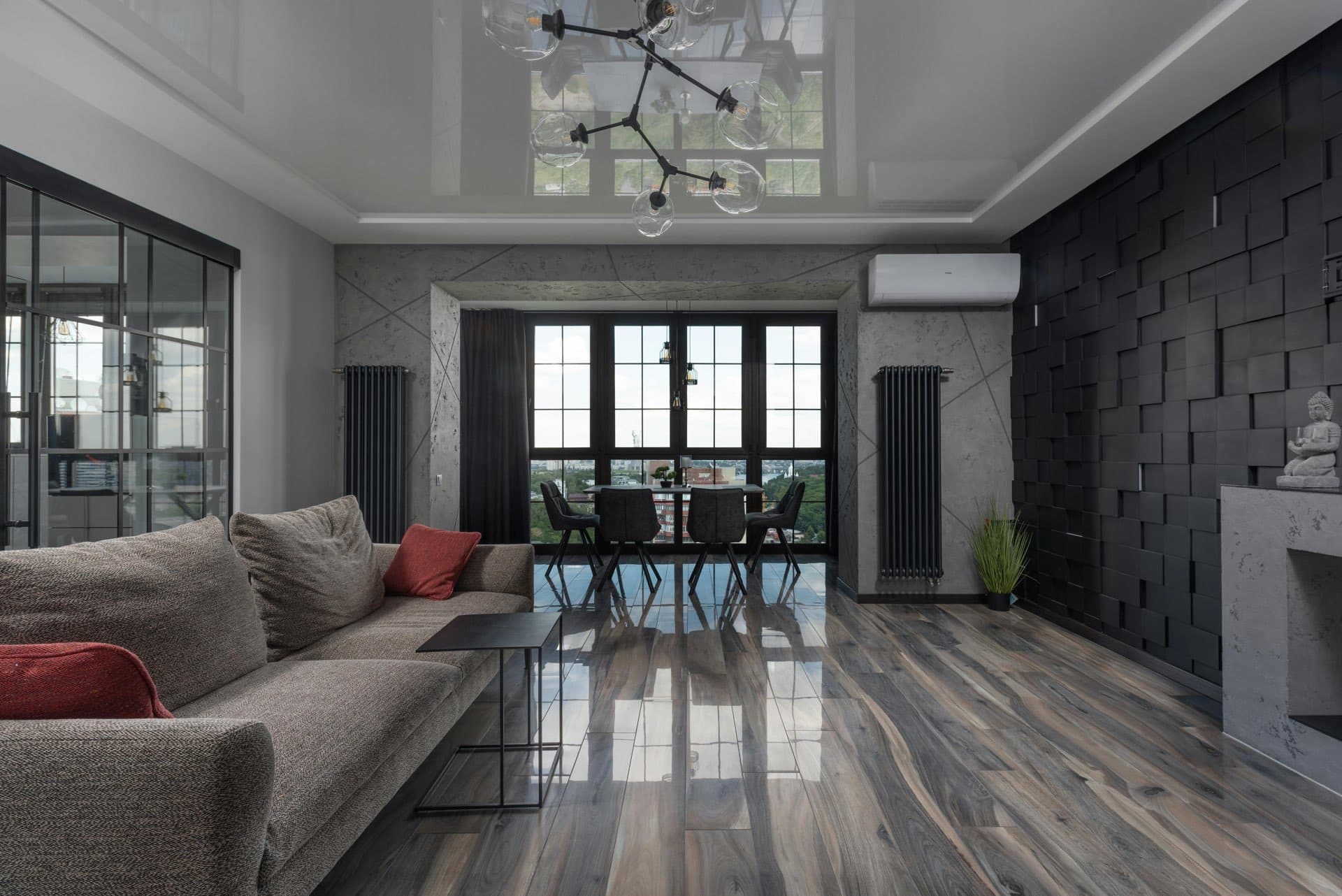
Balanced lights and colors in every photo
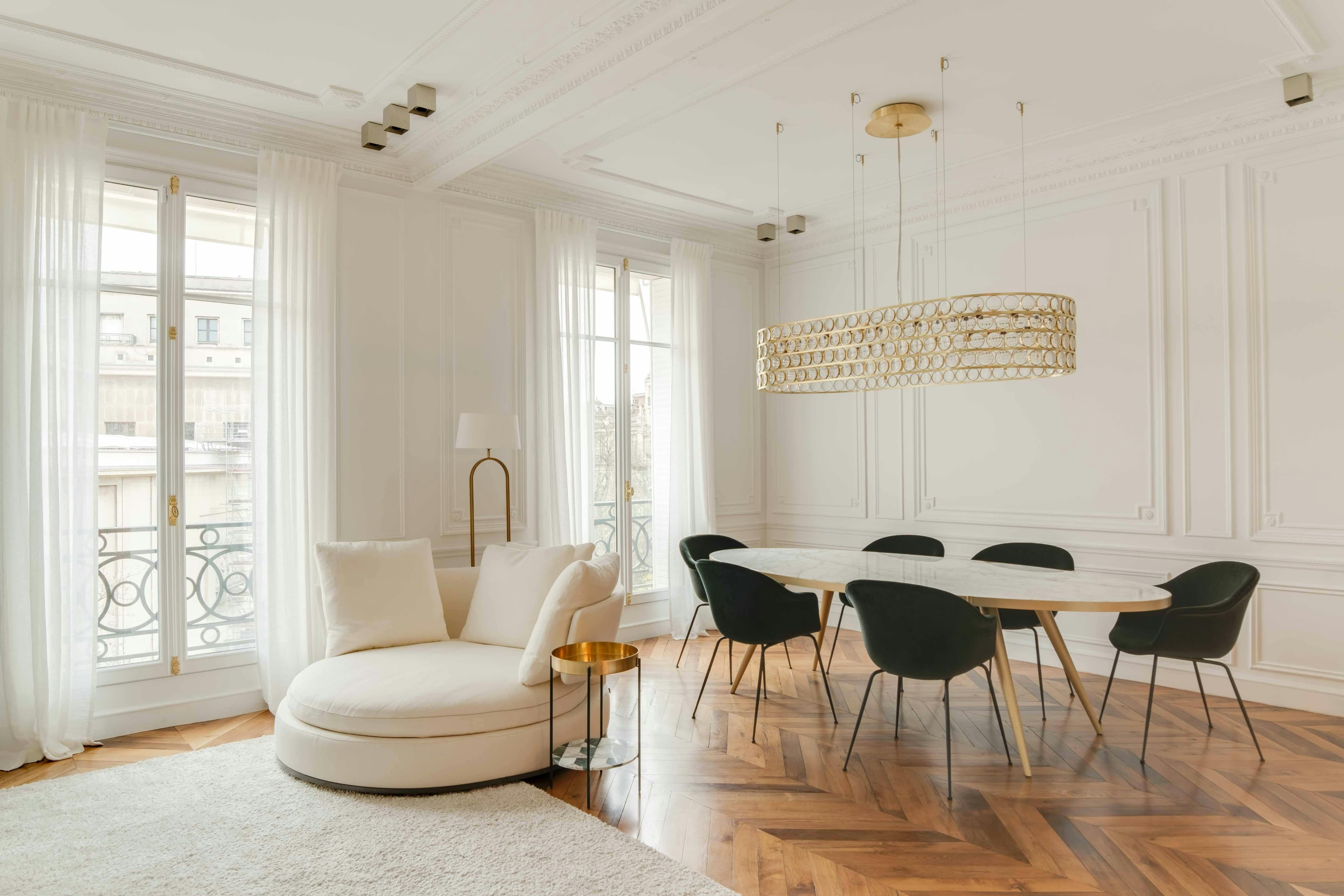
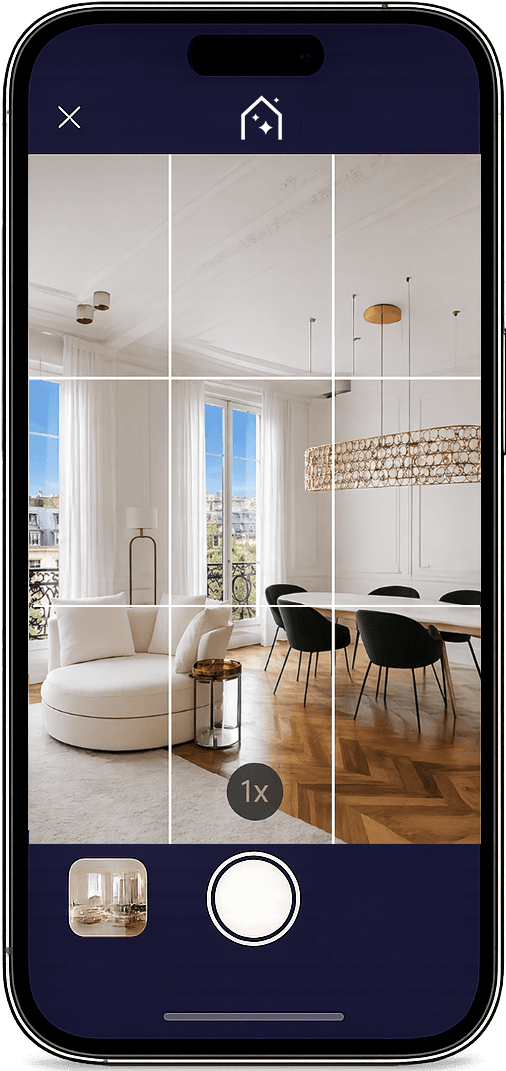
Take photos of the property during the visit: the AI enhances each photo with an HDR effect, adds or removes furniture with virtual home staging, and transforms your photos into video, directly within the app. On iPhone Pro, also scan the 2D floor plan of the property.
Balanced lights and colors in every photo
Furnish, declutter, or renovate a room in one action
A 5-second clip ready for social media
On iPhone Pro, the property plan is ready in 5 minutes.
Rated 5.0 on the App StoreFree download, in-app purchases
AI for Your Real Estate Photos
Replace dull skies with a radiant sky.
Balances highlights and enhances details.
Crisp, bright, and ready-to-publish photos.
“
★★★★★
Thank you, IACrea, for making it possible to create top-quality images in record time and with such ease! I recommend it with enthusiasm that matches the results! Simply brilliant!

Florence Edouard
Real Estate Consultant at Efficity
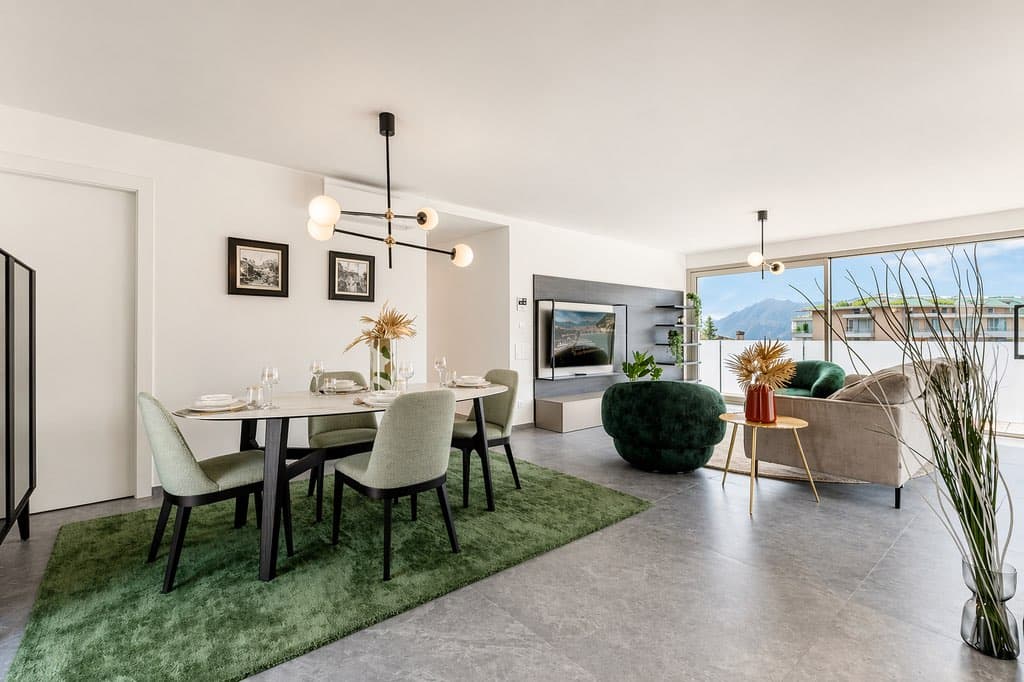
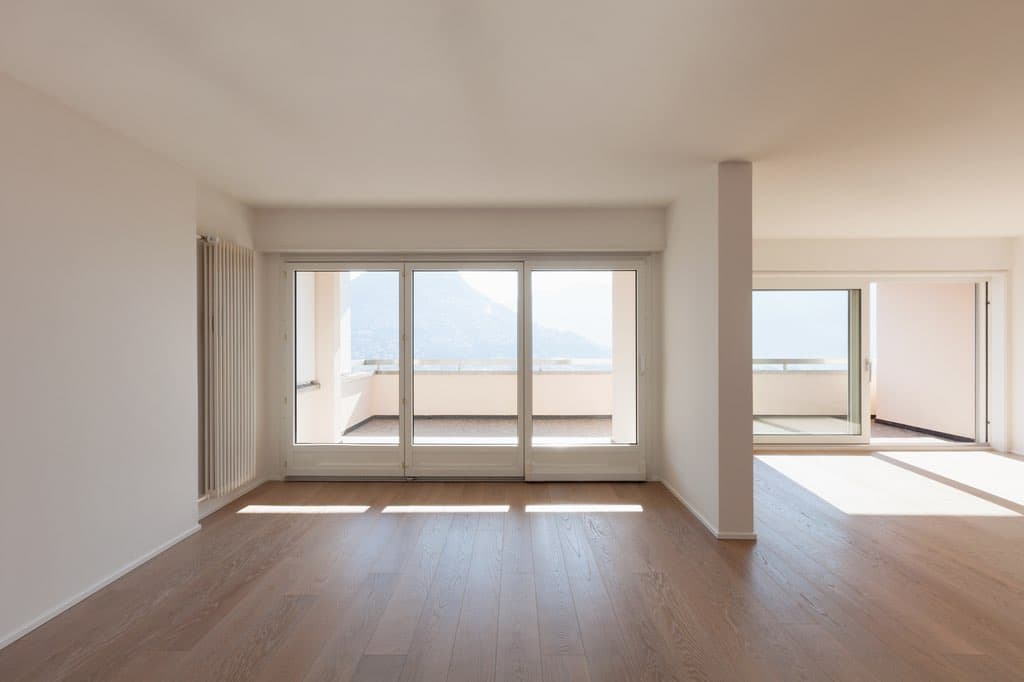
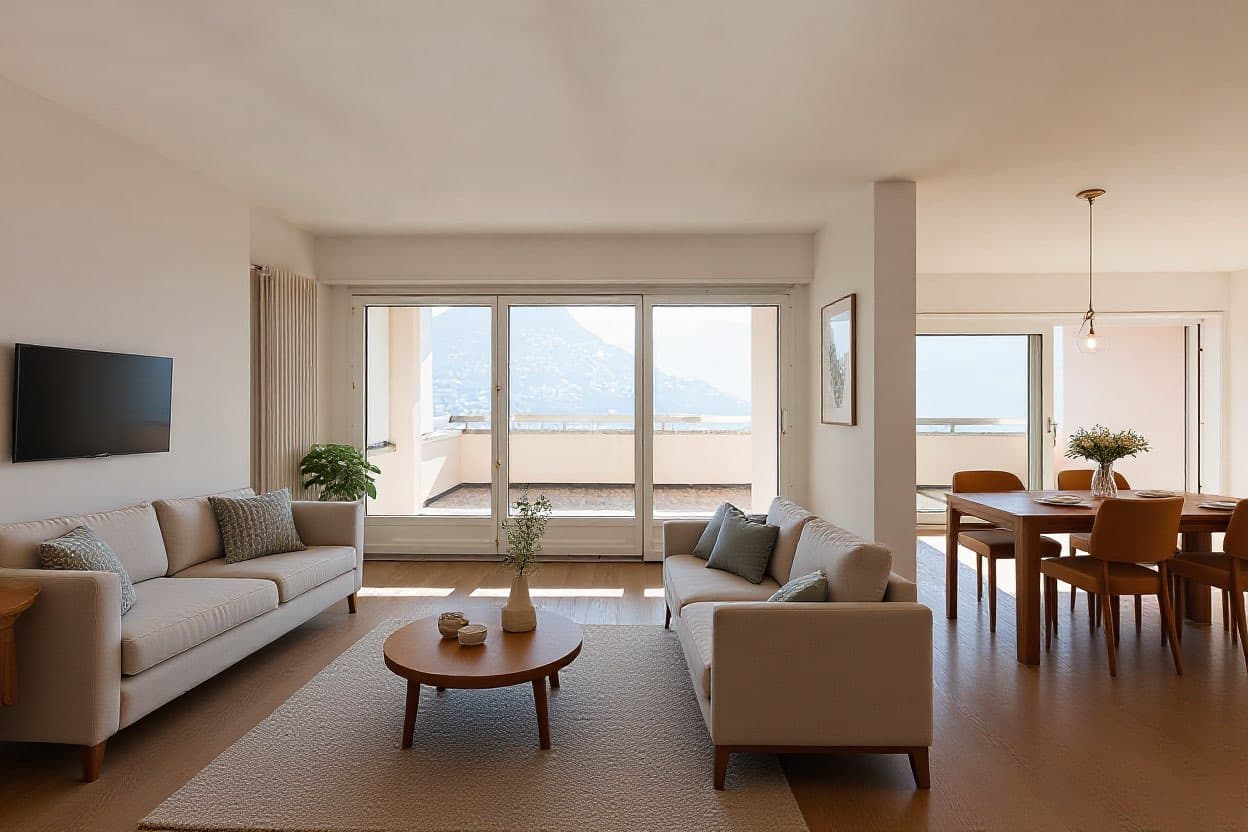
Virtual home staging
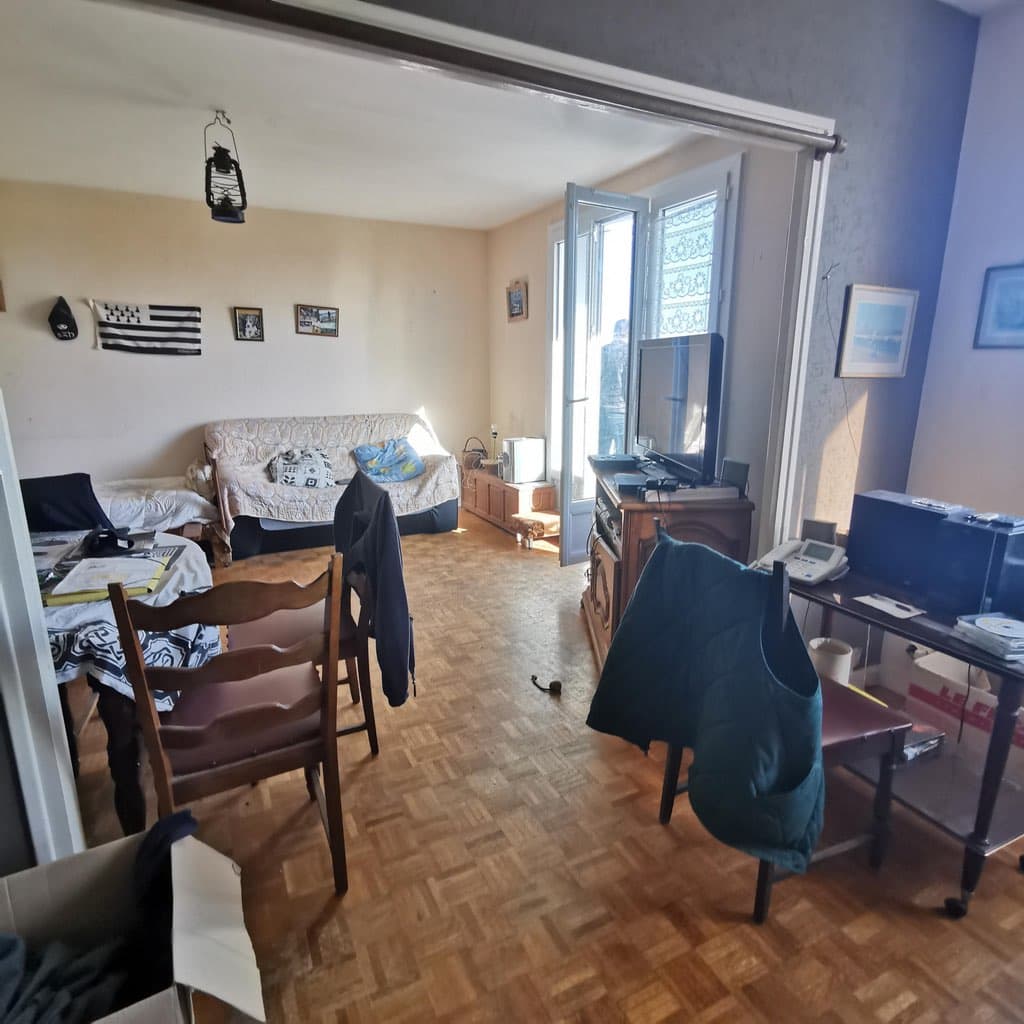
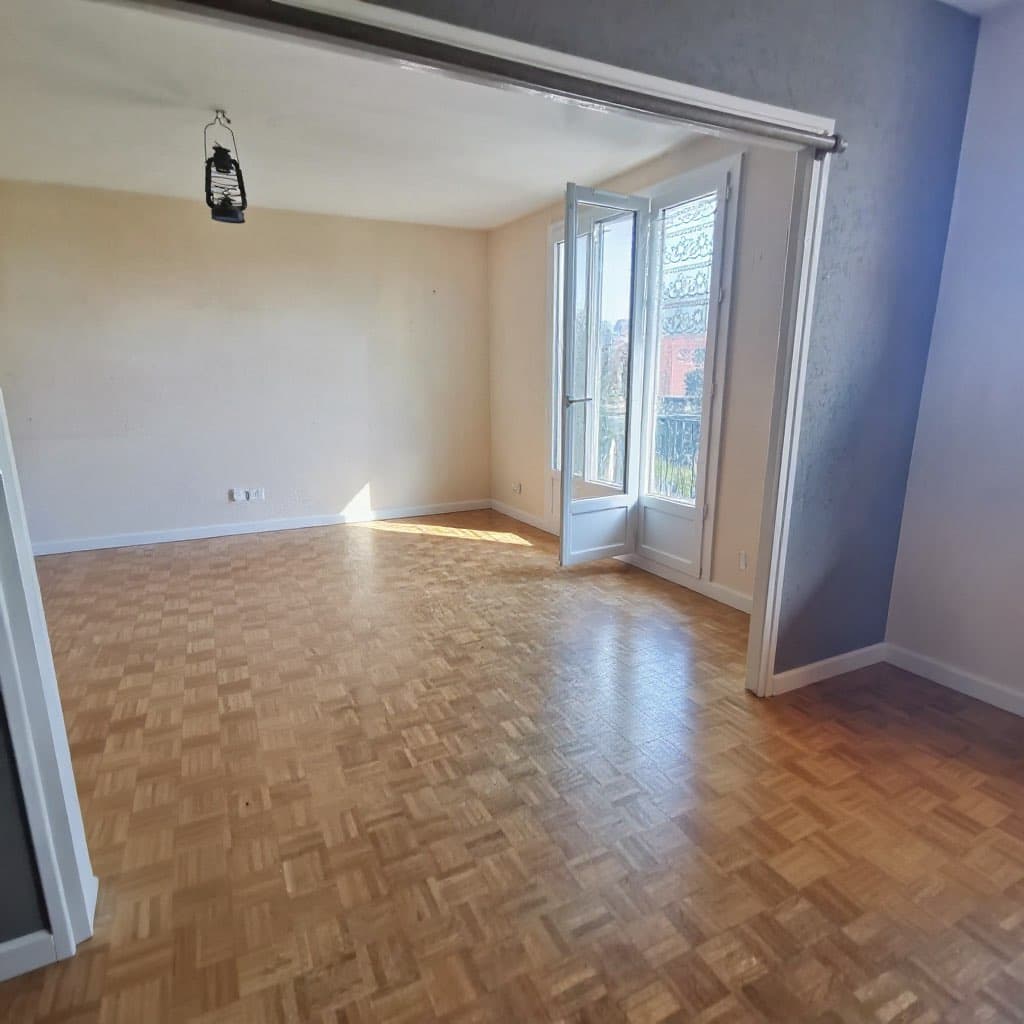
Empty, cluttered, or outdated room: transform the photo right after the visit, without waiting to be in the office. The seller discovers the potential of their property that same day, and the listing goes out with photos that make people want to visit.
Six decoration styles, from Scandinavian to luxury, suited to the type of room.
Furniture and decorations automatically erased, without any adjustments.
Walls, floors, and layouts reimagined, from the kitchen to the bathroom.
And also, from the same screen:
Tidy the room: clutter and small objects disappear, making the room neutral.Blue sky: a gray sky behind the windows turns bright, without adjustments.Custom change: describe the modification in your own words, for example, painting the walls light blue.Real estate video
Choose a photo, a camera movement, and the app generates a 5-second clip to post on social media or include in the listing. No filming or editing software required: a photo is enough to bring the property to life.
The camera moves toward the property, as during a showing.
As it pulls back, the camera reveals the space as a whole.
A facade or garden transitions from day to dusk.
Need a complete video that stitches together several clips with music and voice-over? Discover real estate video editing
Discover AI real estate video2D Plan
On iPhone Pro, from the iPhone 12 Pro, the LiDAR sensor detects walls, doors, and windows as you move through the rooms. The 2D plan is ready in about 5 minutes, with the areas per room, and you can then adjust it in the IACrea editor before adding it to the listing.
No laser meter, no sketch: the plan arrives directly in your IACrea space.Areas per room and orientation are for reference; the Carrez law area remains subject to professional measurement.Agency logo and colors, export for the listing, showcase, or seller's file.On Android, the app offers the same capture, the same HDR effect, virtual home staging, and video: only the floor plan scan requires the LiDAR sensor of iPhone Pro.
Discover the 2D plan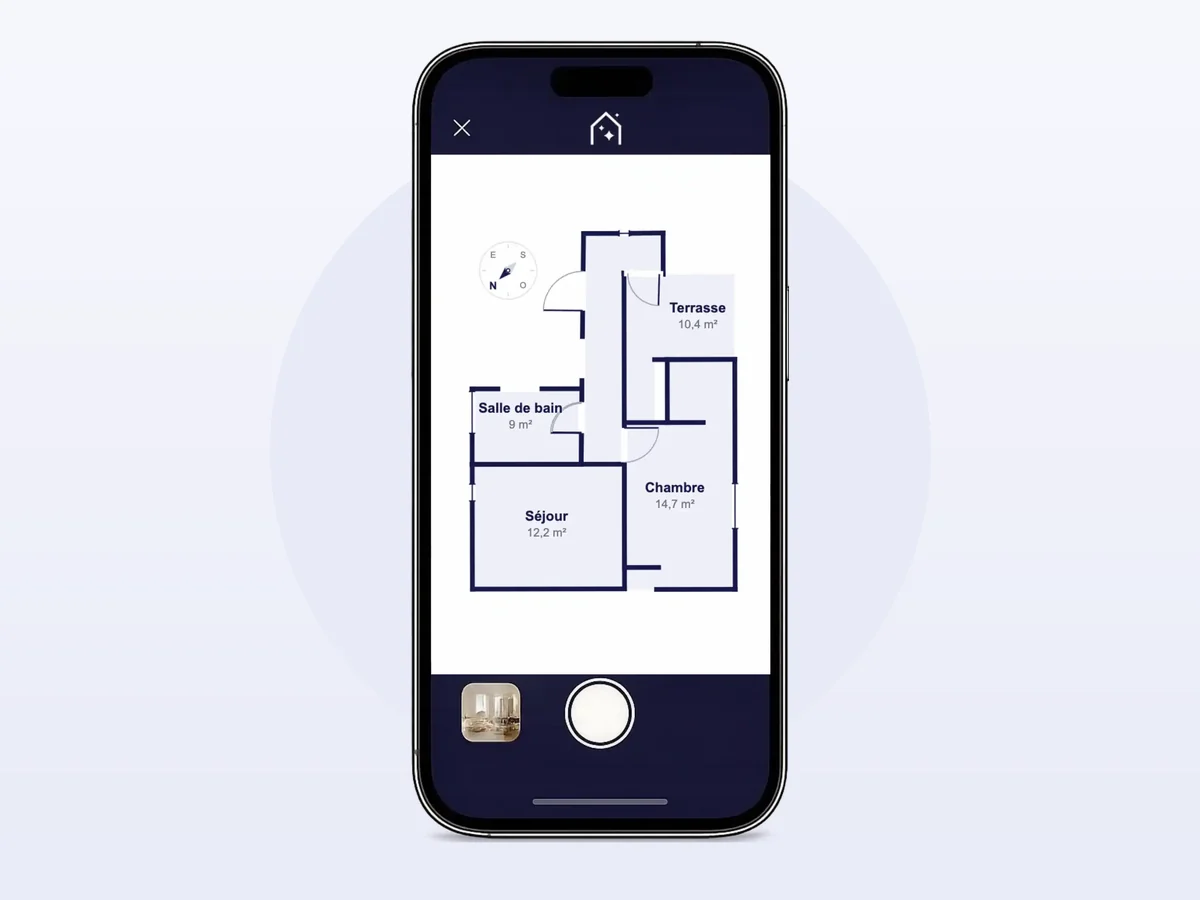
IACREA WEB
Access your photos, edit them with AI, create your videos, and boost your visibility to attract more clients.
Yes, downloading and capturing are free, with a 15-day trial. After that, the subscription starts at €20 excluding tax per month: the Solo plan includes 30 enhanced photos per month, then 0.1 credit per additional photo.
On iPhone, through the App Store, and on recent Android smartphones, via Google Play. The photo, virtual home staging, and video features are the same on both: the HDR effect relies on the phone's camera and AI, with no additional hardware.
An iPhone Pro equipped with the LiDAR sensor, available since the iPhone 12 Pro. Photo capture and AI HDR effect work on all recent iPhones.
Not at the moment: the plan survey requires the LiDAR sensor of iPhone Pro. On Android, the app covers everything else: capture, HDR effect, virtual home staging, and video.
You photograph the rooms during the visit, then you apply virtual home staging or create a video directly from the phone. On iPhone Pro, you also scan the property for its floor plan. Photos, videos, and the floor plan are synced in your IACrea space, where you prepare the listing.
Yes, directly from your phone, on iPhone as well as Android. On any photo of the property, you can furnish an empty room (six styles), empty it of its furniture, virtually renovate it (eight styles), tidy it up, replace a gray sky with a blue one, or describe a change in your own words. Each transformation uses AI credits, just like on IACrea web.
Yes: choose a photo and a camera movement (forward tracking, backward tracking, or dusk for an exterior), and the application generates a 5-second clip ready to be published. For a complete video that sequences multiple clips with music and voice-over, use IACrea web video editing.
A phone is enough. The app automatically corrects exposure and applies the HDR effect without a reflex camera or tripod.
HDR effect that rebalances dark areas and overexposed areas, replacing a gray sky with a blue sky, correcting lights and colors: each photo is processed automatically in just a few seconds, with no adjustments needed on your part.