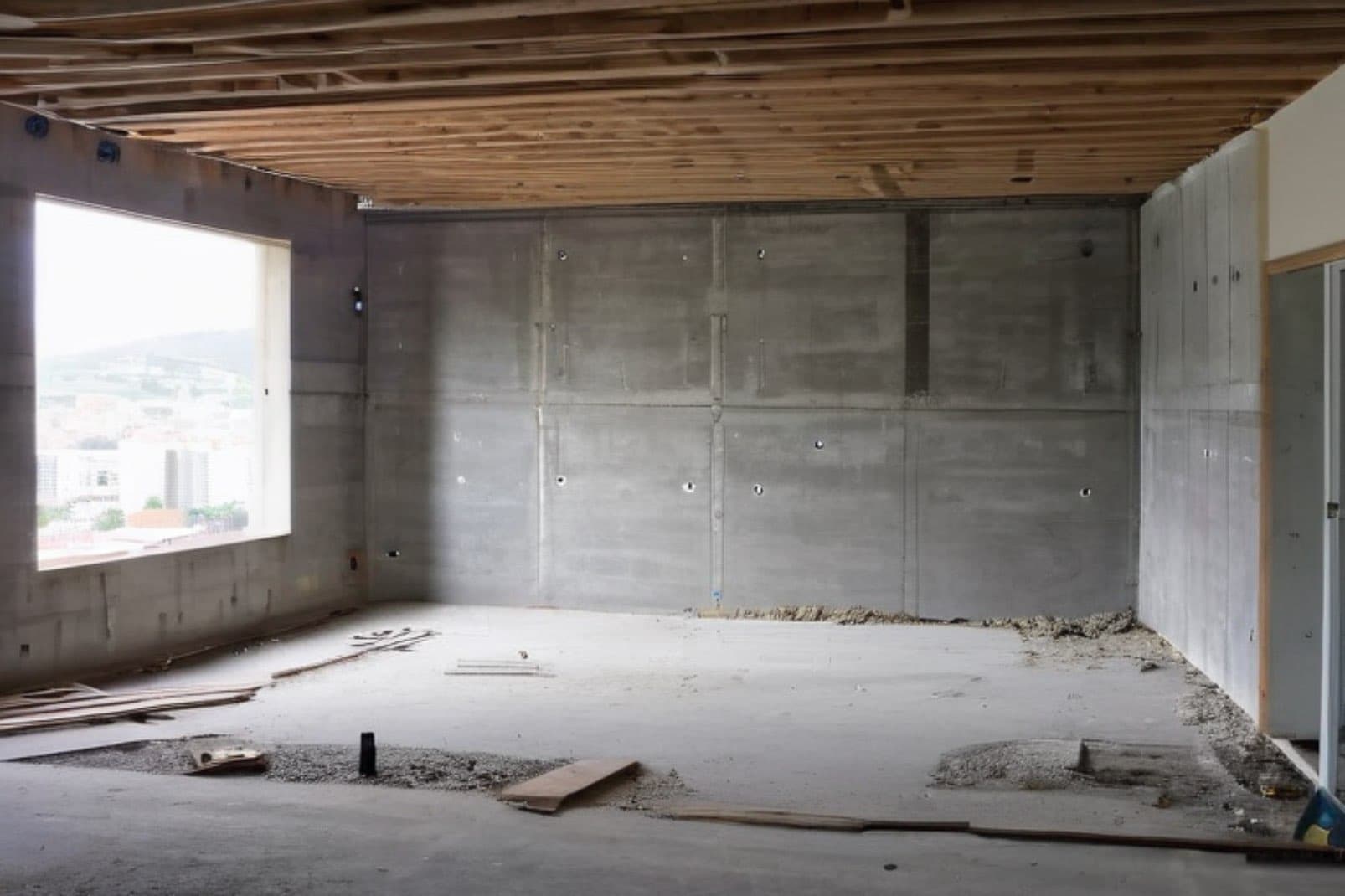
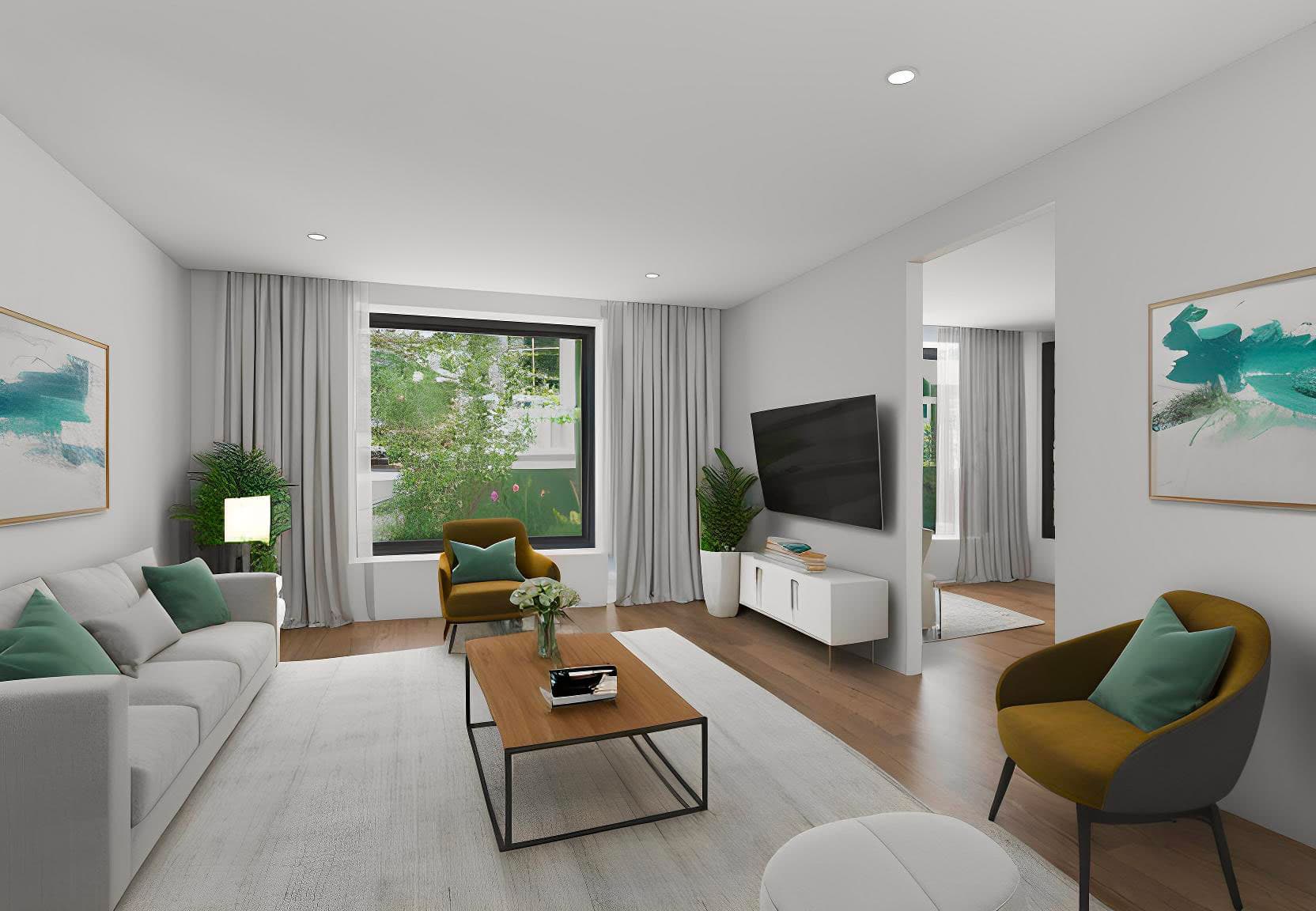
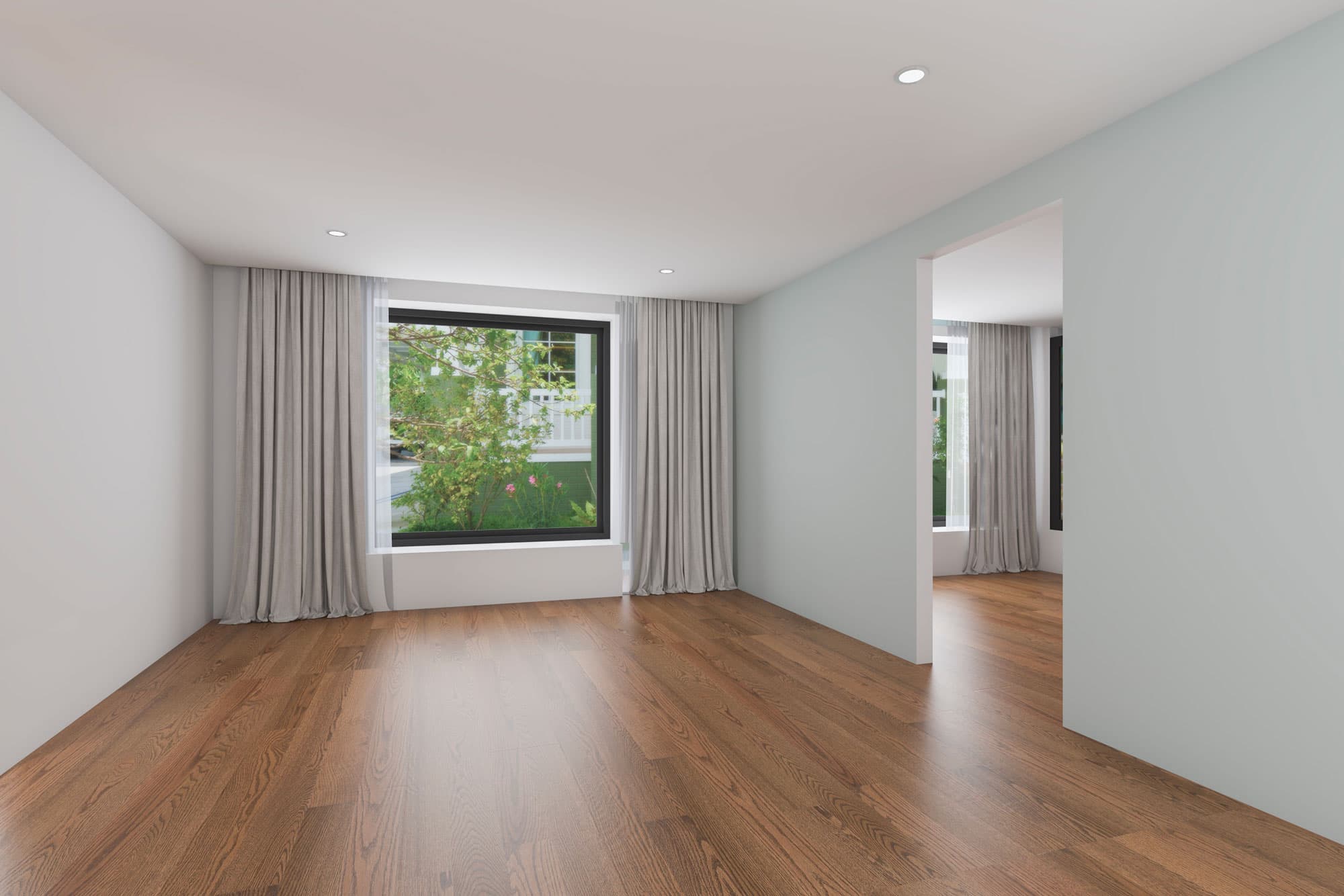
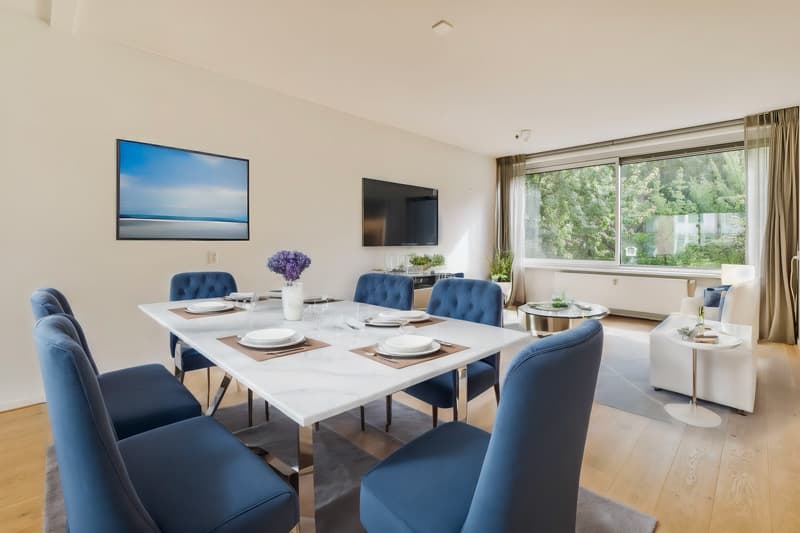
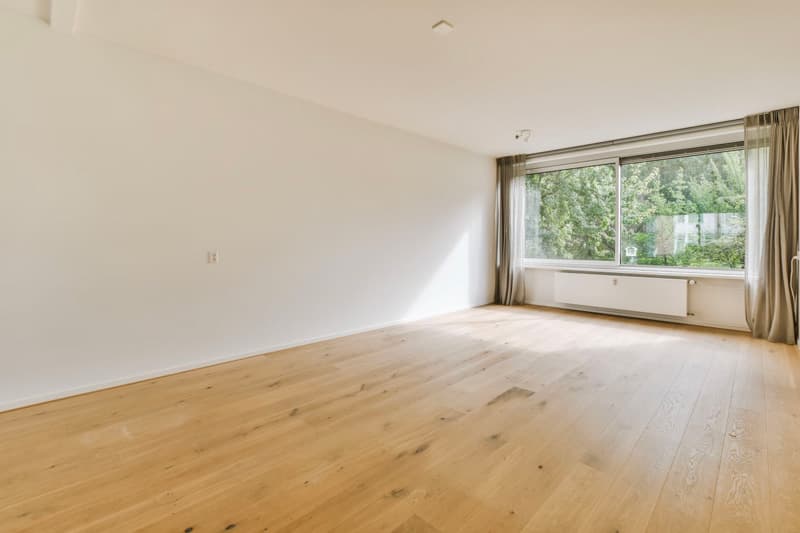
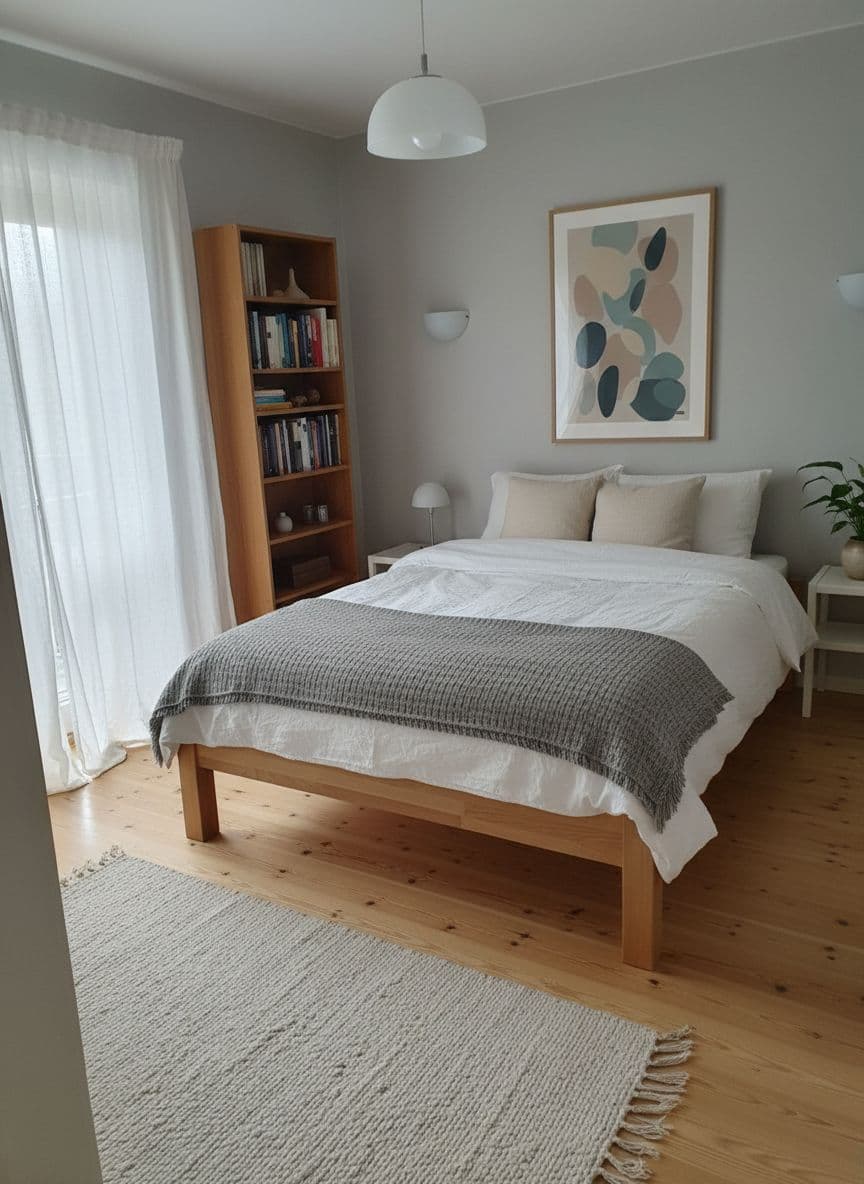
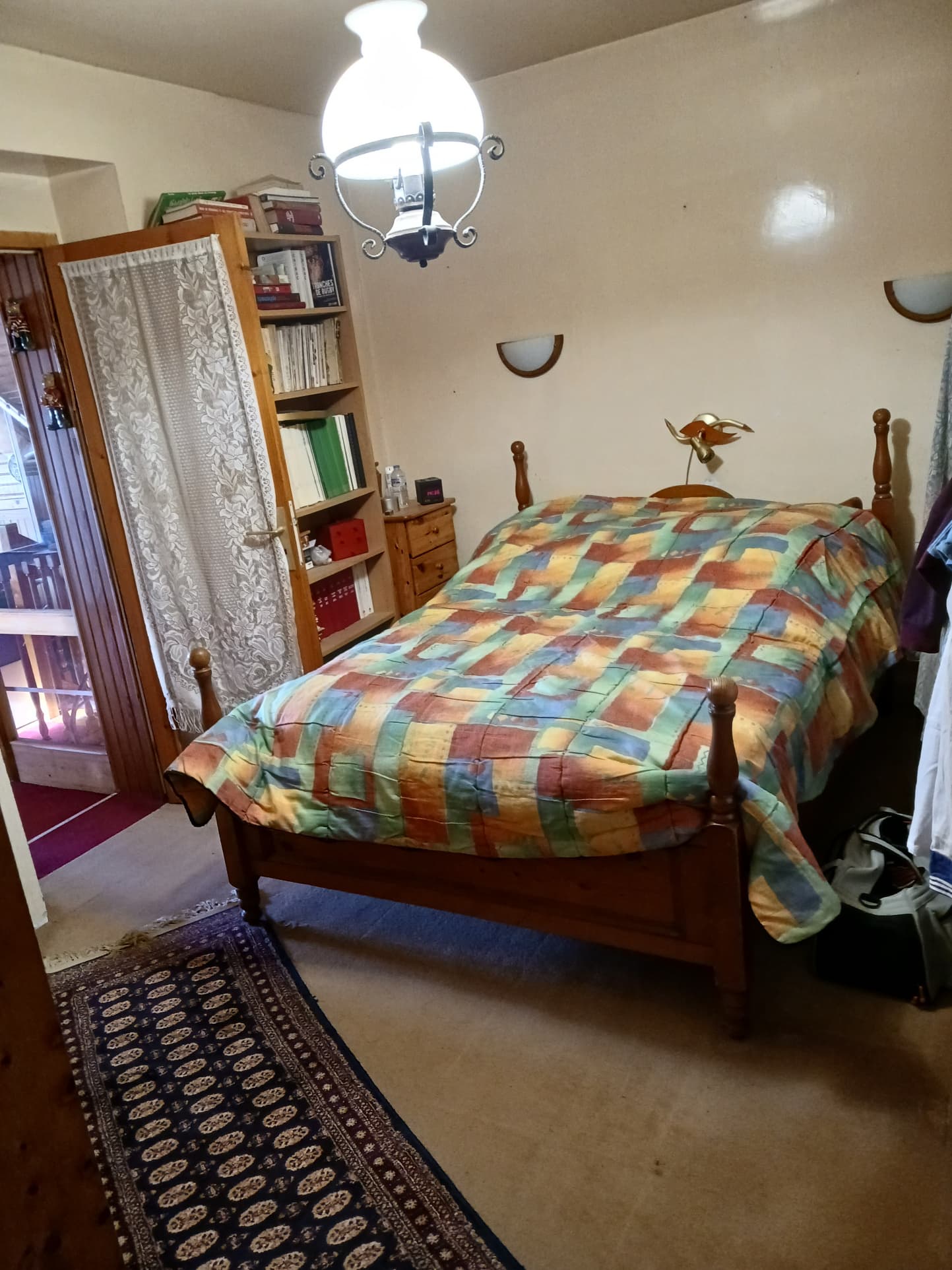
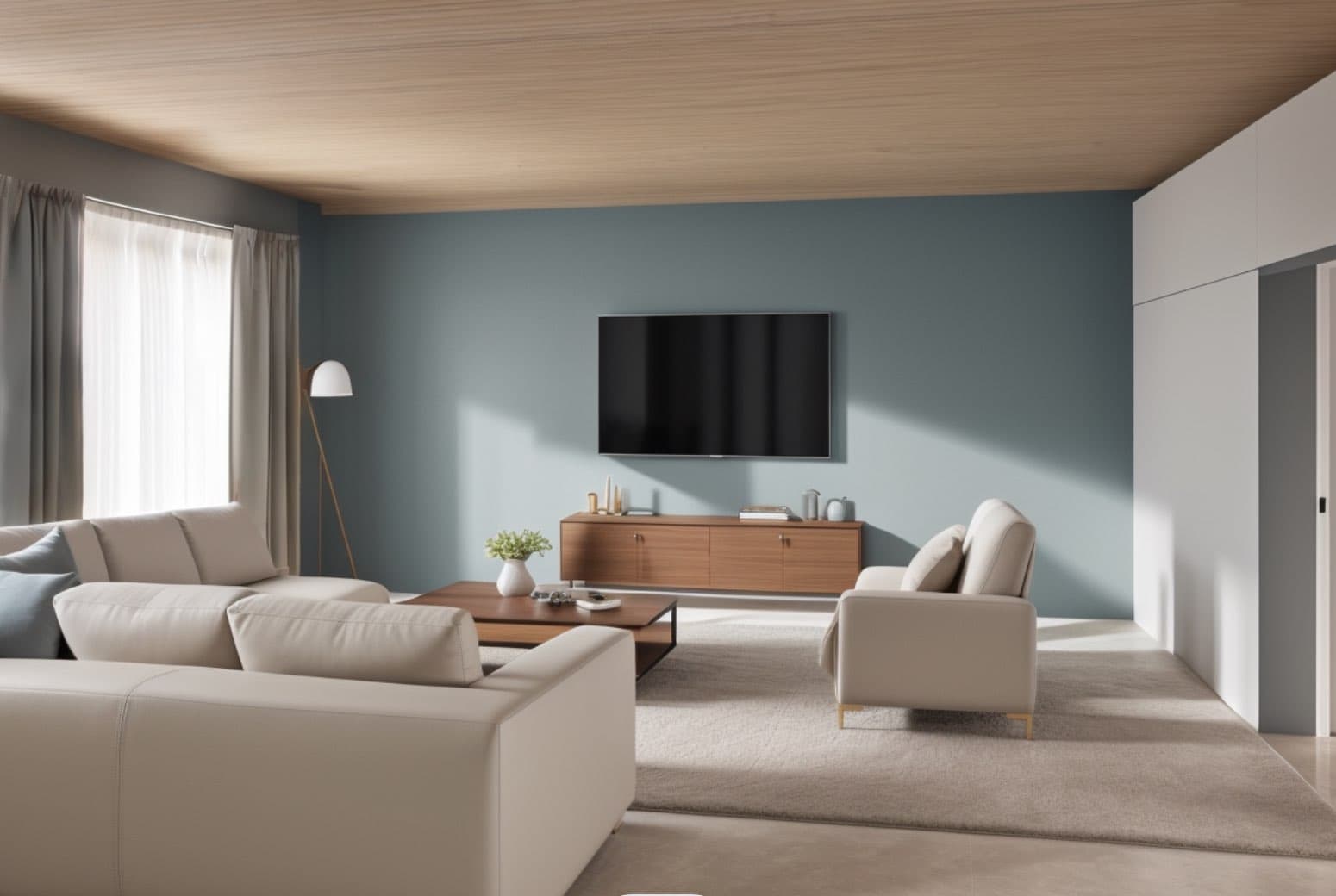
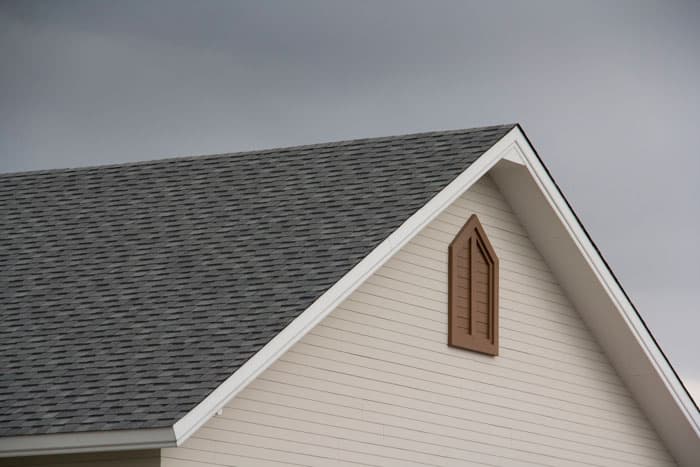
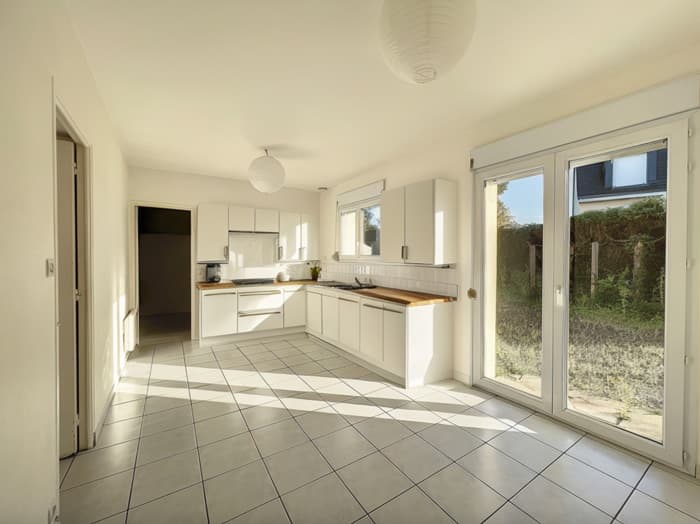
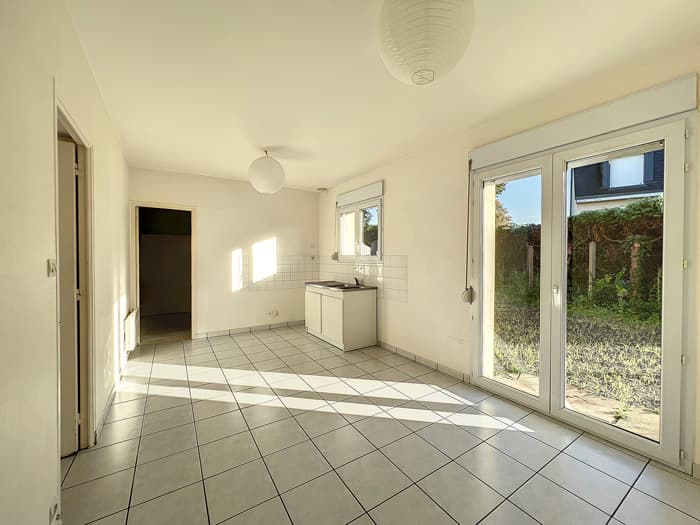
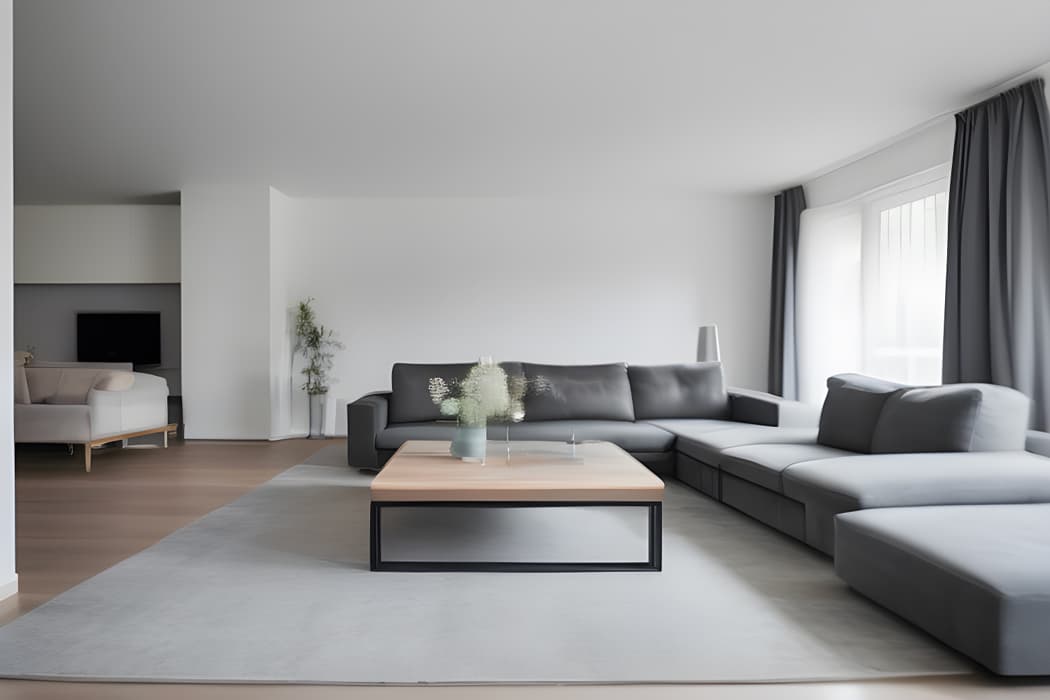
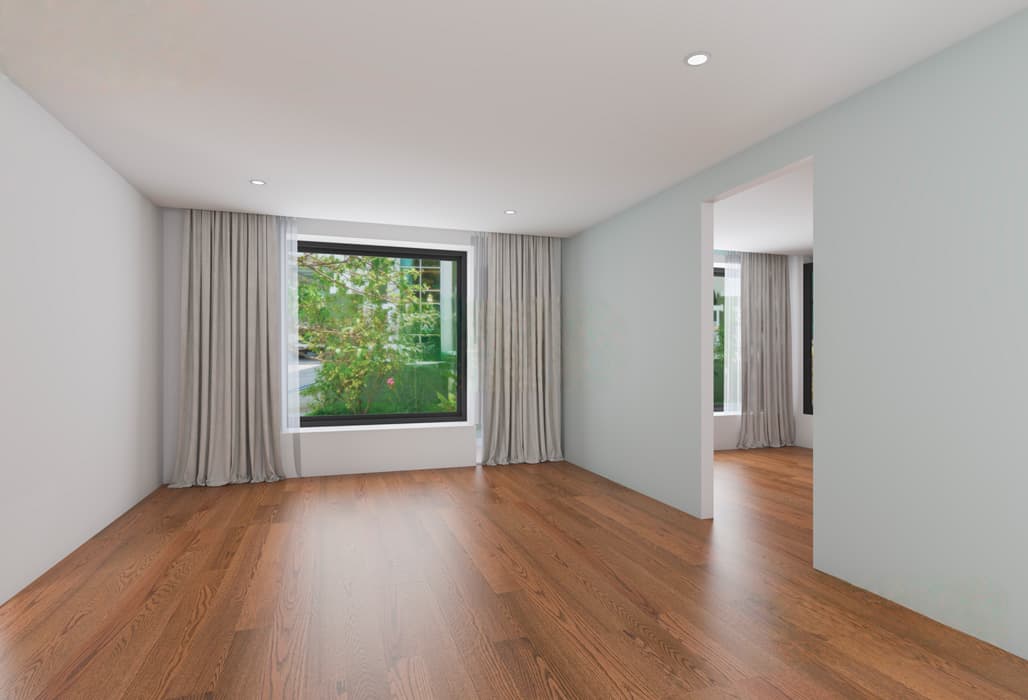
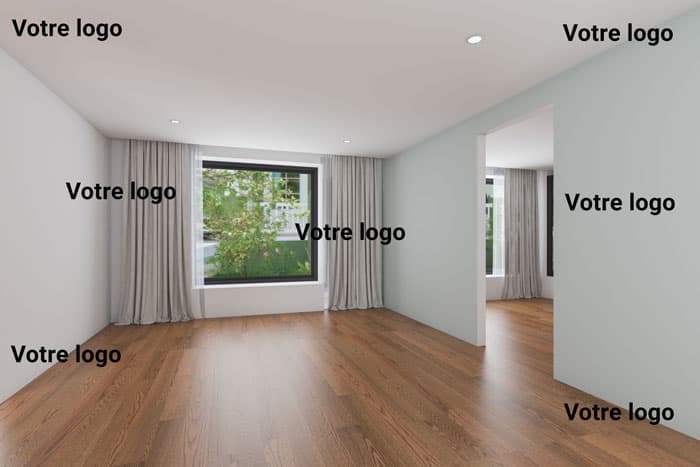
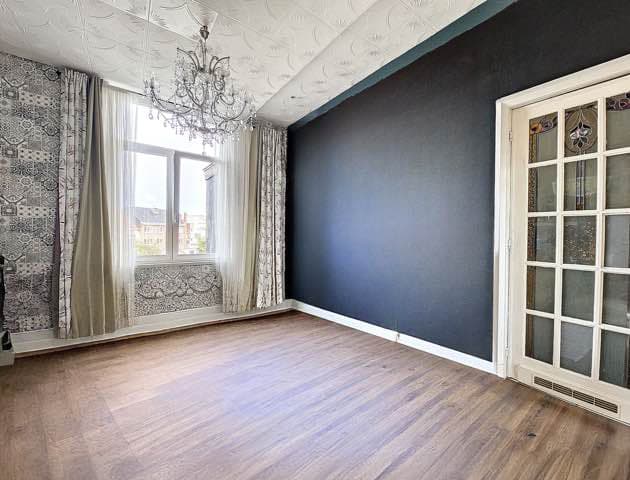
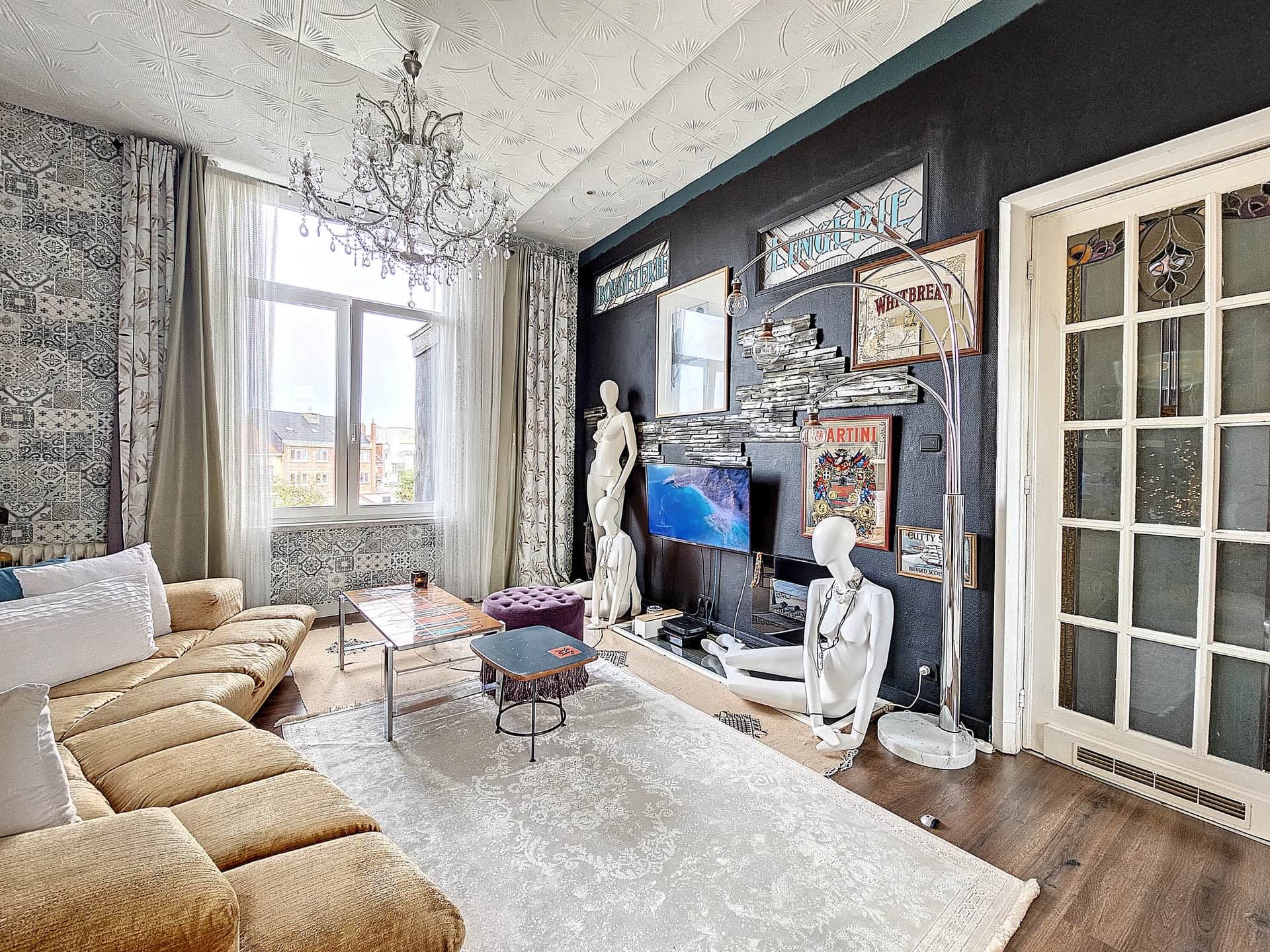
Upload a photo of an empty, cluttered, or outdated room: the AI will furnish, declutter, or renovate it in 30 seconds. Get 3 credits for free upon registration, no credit card required, watermark-free images usable in your listings.
Virtual home staging involves furnishing, decorating, or decluttering a property's photo using artificial intelligence. In just a few seconds, an empty or cluttered room is transformed into a realistically styled space, helping buyers to envision themselves in the home.
Unlike physical home staging, nothing is moved on-site: everything happens in the photo, which eliminates the need for furniture rental and travel.
Physical or virtual home staging: which one to choose?
Home staging refers to the preparation of a property for sale: depersonalizing, decluttering, rearranging, and sometimes refurnishing, to allow the largest number of potential buyers to envision themselves in the space. In its physical version, a home stager works on-site, using rented furniture and logistics that can amount to hundreds or thousands of euros per property.
Virtual home staging produces the same effect on the photo in just a few seconds and without moving anything. It does not replace the preparation of the property for visits, but it wins the first impression online, where contact is initiated. For a vacant property, one that needs renovation, or one that's difficult to furnish, it is often the only realistic option.
A virtual home staging from a photo, in three steps
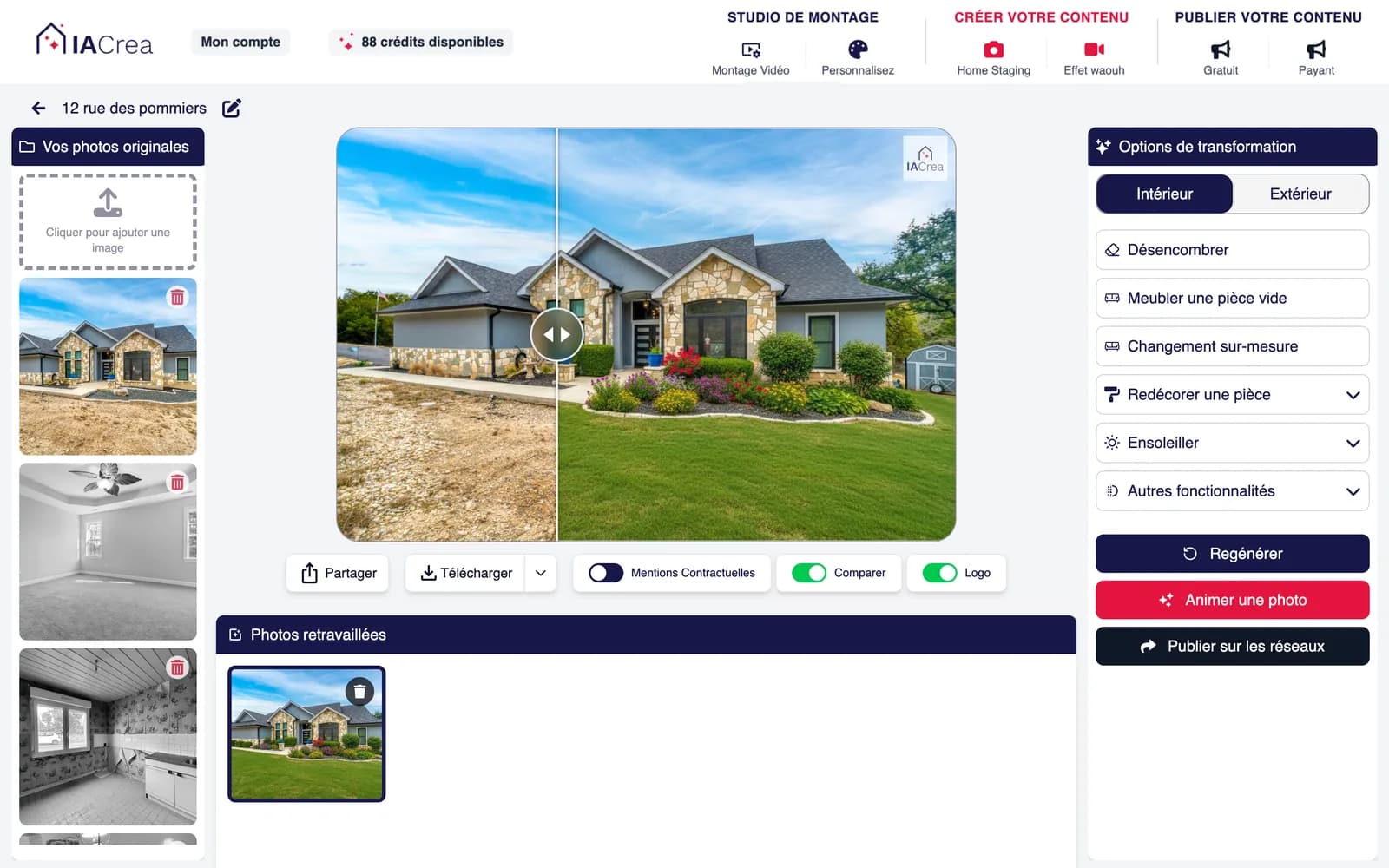
It all starts with a real photo of the property, taken with a smartphone during the visit. 1) You import the photo of the room. 2) You choose a decor style. 3) IACrea detects the layout, lighting, and perspective, then adds consistent furniture. You'll get a realistic before/after that can be presented in multiple styles.
No floor plan, no 3D modeling, no self-placed furniture library: a single photo is enough.
How much does virtual home staging cost?
A virtual home staging is charged per processed photo, whereas a physical home staging costs hundreds, even thousands of euros per property: furniture rental, transportation, installation, and then dismantling after the sale.
At IACrea, virtual home staging is included in the subscription, with a set number of photos per month. The actual cost of a staged room is therefore counted in euros, not in days of service, and does not depend on how long the property stays on the market.
Can virtual home staging be done for free?
Yes, to test. Signing up for IACrea is free and grants 3 AI credits, no credit card required. A standard quality transformation costs 0.1 credit: the trial thus represents up to 30 photos, enough to process an entire property in your portfolio and assess the result on a case you are familiar with. In superior or maximum quality, a transformation costs more and the number of photos decreases accordingly.
In addition, 30 photos are included on the mobile app, valid for 2 weeks from the date of download. The images produced during the trial are in full resolution and unwatermarked: they are directly usable in your listings.
Beyond this trial, virtual home staging is subscription-based. Be wary of tools advertised as completely free: they often apply a watermark to the image, making it unusable in a published listing.
Is the free trial available to individuals?
No. IACrea is a production tool for real estate professionals, and the free trial is reserved for them: agencies, independent agents, real estate photographers, home stagers, developers, and property managers.
Specifically, the provided photos are automatically assigned to the registration with a professional industry email address, or when the function performed is specified. An individual selling their home would rather go through the agency or the photographer managing their listing.
Virtual home staging or home staging software?
A classic home staging software provides a library of furniture to position yourself in 3D: the result depends on your skill and easily takes an hour per room. The AI-powered virtual home staging starts with the real photo and offers a complete layout in seconds.
At IACrea, virtual home staging is just one of the features of our photo editing tool, alongside decluttering, exterior cleaning, and quality enhancement. You don't switch tools between two stages of preparing a listing.
Virtual home staging: the benefits for professionals
Faster and less expensive than physical staging, virtual home staging enhances a property's appeal from the very first online impression, where most contacts are made. It is particularly useful for vacant properties, ones in need of renovation, or those that are difficult to furnish.
IACrea is aimed at real estate agents, real estate photographers, and home stagers who want attractive visuals without a studio or complex software.
Virtual home staging and transparency towards buyers
Virtual home staging is legitimate as long as it remains transparent: it is meant to showcase a potential layout, not to hide the actual condition of the property. It is recommended to indicate that the visuals are virtual projections, which IACrea facilitates.
Customer reviews on IACrea
Here's what our customers say after using IACrea
4.6/5 on Google· More than 10,000 users since 2023
Thanks to IA Crea for allowing us to create high-quality images very quickly and with such great ease! I recommend it with an enthusiasm that matches the results obtained! It's awesome!
Florence Edouard
More than a tool, a beautiful revolution. Truly impressed since the beginning of iacrea. New features every month, attentive to its customers... In short, truly THE benchmark in terms of virtual home staging, and I would even say in photo editing. Bravo
Jérémy Perez
Good software, small startup problem but Pauline was able to fix it masterfully. I recommend it 100%. Emmanuel SZABO
It’s the art of enhancing a property photo with AI. In just seconds, your rooms appear realistically furnished and decorated—or completely decluttered.
Can we do virtual home staging from a photo taken with a smartphone?
Yes. This is actually the most common case: a photo taken during the visit, imported as is, is sufficient. The IACrea mobile app also allows you to photograph the property and apply an HDR effect, then send the images directly to virtual home staging.
Can I test for free?
Yes. Any registration with a professional real estate email address receives 3 AI credits upon signing up, allowing for up to 30 standard quality photos, without a credit card. Contact us if you do not receive your trial.
Are the images usable in my listings?
Yes, the visuals can be used on your portals, brochures, and social media. You can also publish on social media directly from IACrea.
Are exteriors covered?
Yes, IACrea allows you to redo a garden, a terrace, a pool. And even to make the sky blue.
What styles are available?
Modern, Scandinavian, industrial, luxury, seaside, etc. Feel free to contact us for any specific request.
How long does it take to get a virtual home staging?
A few seconds per photo. You upload the image of the room, choose a style, and the rendering appears immediately. Processing all the photos of a property before going online can be done in the same session.
What is the difference with physical home staging?
Physical home staging actually furnishes the property: it is expensive, requires logistics, and also supports in-person visits. Virtual home staging only modifies the photo: it costs a fraction of the price and enhances the online first impression, where the decision to make contact is made.
In what resolution are the images produced?
The original file is kept in full resolution. Compression only occurs at the time of download, with settings adjusted for the destination: real estate portal, social media, printing, or sending by email.
How many photos does the free trial include?
Up to 30 in standard quality: a transformation costs 0.1 credit and the trial offers 3. In premium quality (0.2 credit) or maximum quality (0.3 credit), this corresponds to 15 and 10 photos respectively. In addition, there are 30 photos on the mobile app for 2 weeks.
What happens when the free photos are exhausted?
Nothing happens automatically: no charges, no renewals. You can freely choose a subscription or pay-as-you-go credits to continue, and your creations remain accessible in your account.
Take it a step further
Complete Guide to Virtual Home Staging for Real Estate Agents in 2026
Discover how virtual home staging is revolutionizing real estate sales: definition, benefits, a comparison with traditional staging, and how AI turns your photos of vacant properties into furnished interiors in seconds.