The latest standout updates from IACrea, the AI solution for real estate marketing.
November 2026
Create the 360° virtual tour of your properties
Your buyers can move from room to room and look all around, even before the first visit. All you need is a consumer-grade 360 camera, like the RICOH THETA: one photo in the center of each room, link the rooms by clicking on the doors, then share the tour via a link, QR code, or on your site.
In the 'Plans and Tours' menu, open '360 Tour', then click 'Create a Tour'.
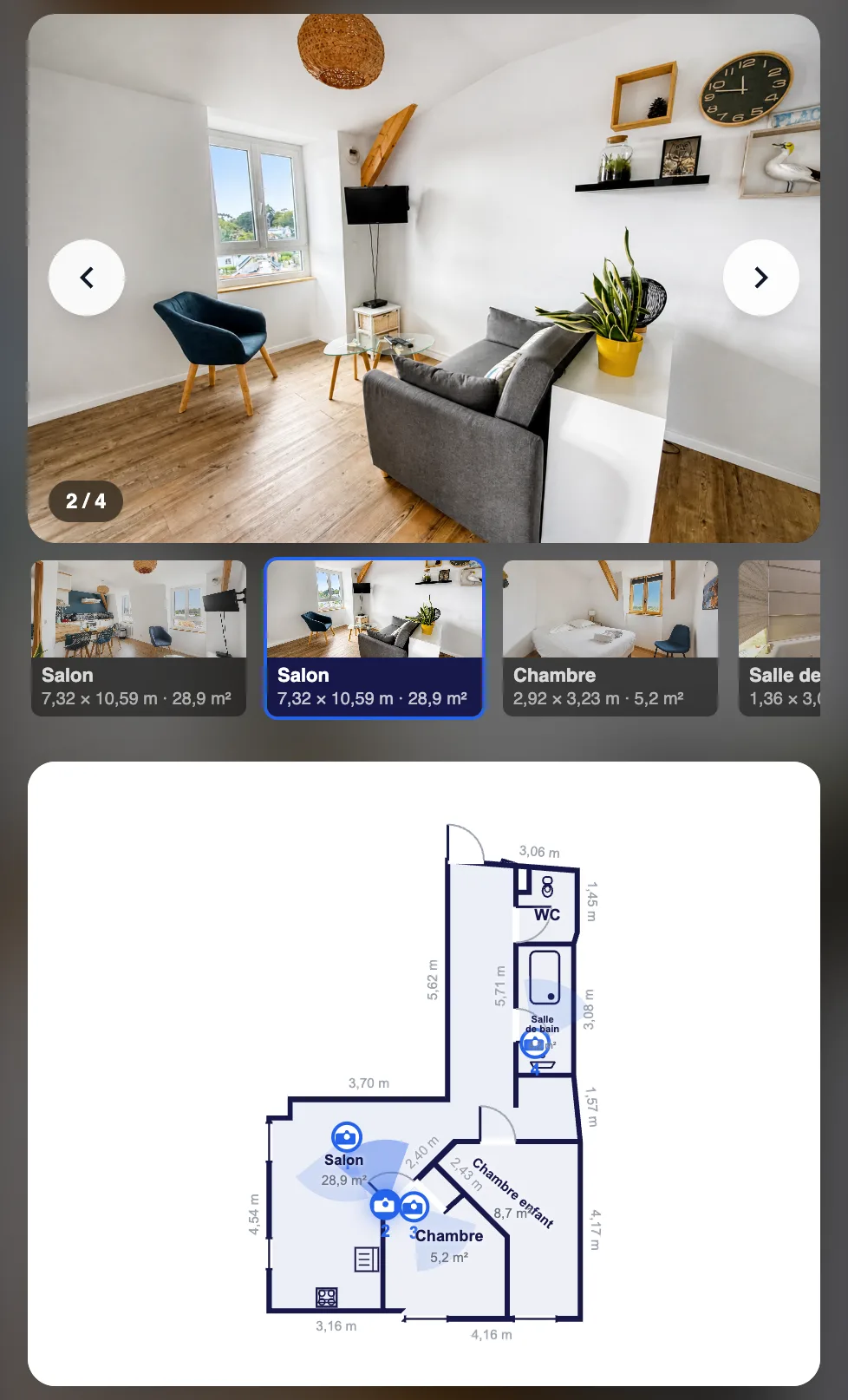
Interactive floor plan: the tour of the property with your photos, placed on the plan
Your buyers click on a camera on the plan and see the room, photographed from that spot. No additional equipment needed: the property plan and the listing photos are enough.
How to do it:
1. Create the 2D floor plan of the property, if not done already.
2. In the 'Plans and Tours' menu, click on 'Interactive Floor Plan' and select this plan.
3. Click on 'Add a Camera', then in a room on the plan, and position it in the direction of the shot.
4. Choose the photo or video for each camera.
5. Click on 'Share' to get the link to send to your buyers.
6 “Local market” video templates with data from La Loupe Immo
Show the real market figures of your city: price per sq m, trends over 5 or 10 years, ranking of cities in a French department, what a budget offers, monthly barometer, or a duel between two cities. The data comes from our partner La Loupe Immo, and the video sequence is customized with your brokerage colors.
In the video editor, click “Add an item”, open the “Local market” category, choose a template and your city, then “Search with La Loupe Immo” (0.2 credit per search).
October 2026
12 new video templates in your brokerage's colors
In video editing, we now offer ready-to-use templates, automatically dressed with your logo, your colors, and your font. Fill in a few fields, and the sequence comes to life on its own.
Property sale: “New listing”, “Property details”, and “Property sold”, in photos or video
Social proof: “Client testimonial”, “Video testimonial”, “Average rating” of your reviews, and “X years already!” for the brokerage's anniversary
Recruitment: “We're hiring!” and “Join the team”
Messages: “Message bubbles”, “WhatsApp conversation”, and “Notifications” on phone screen
New property for sale
WhatsApp conversation
Remove an object with simple highlighting
Manual removal is back: highlight an object in your photo and it disappears.
In photo editing, open 'Erase / Empty / Tidy up', choose the 'Manual' mode, highlight the object to remove — furniture, box, trash can, electrical cord... — and then start the generation.
Highlighting the item
Result
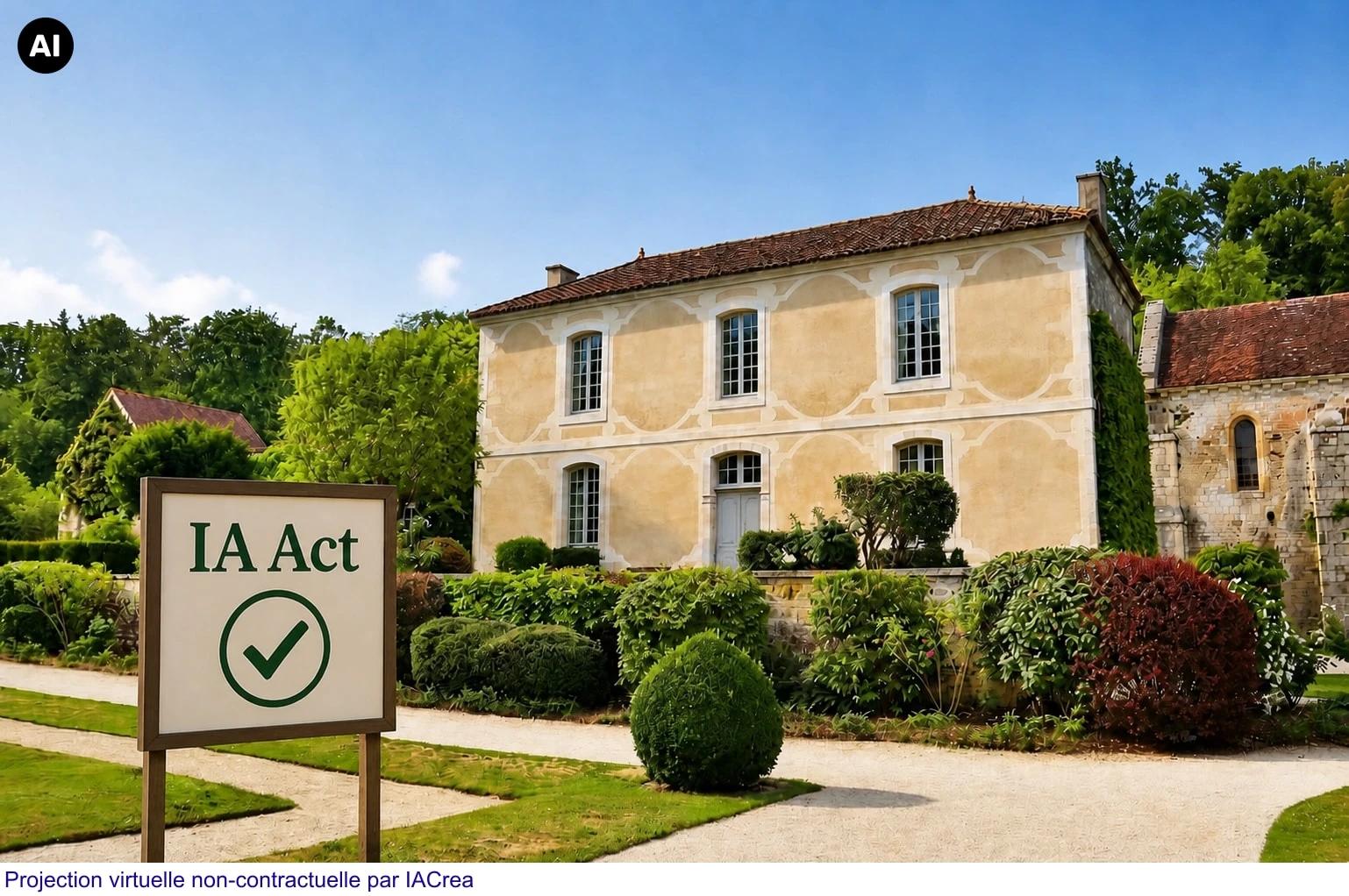
The EU AI icon on your photos and videos
Clearly disclose AI-generated or AI-edited content: display the official European Union icon on your photos and videos. Turn it on by default in Settings › Personalization, or case by case in a photo’s display settings and in the video editing settings.
Text background adjustable in video editing
In video editing, next to the text color, you can now choose the color and opacity of the banner behind the text of your clips, from a solid background to fully transparent. The text itself stays fully opaque.
Annotate your photos
In Crop, add shapes (rectangle, circle, arrow, freehand) and text to your photos: highlight a detail, point to a room, write a caption — then confirm to get an annotated image, ready for your listings.
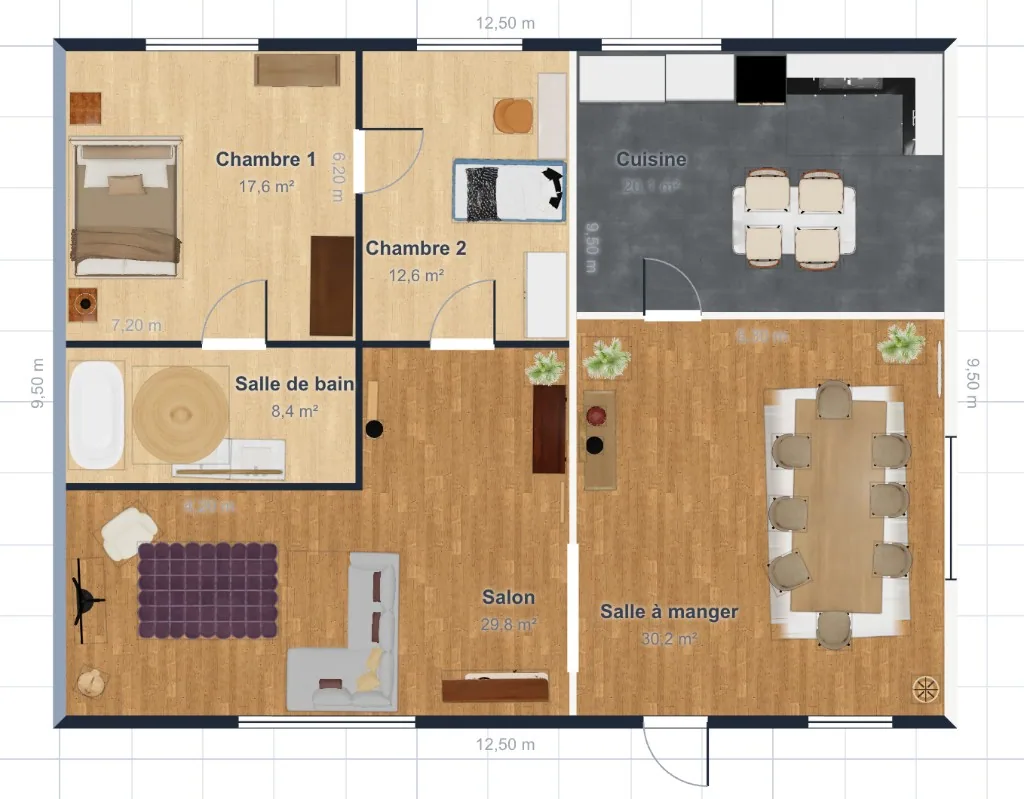
2D and 3D Plans
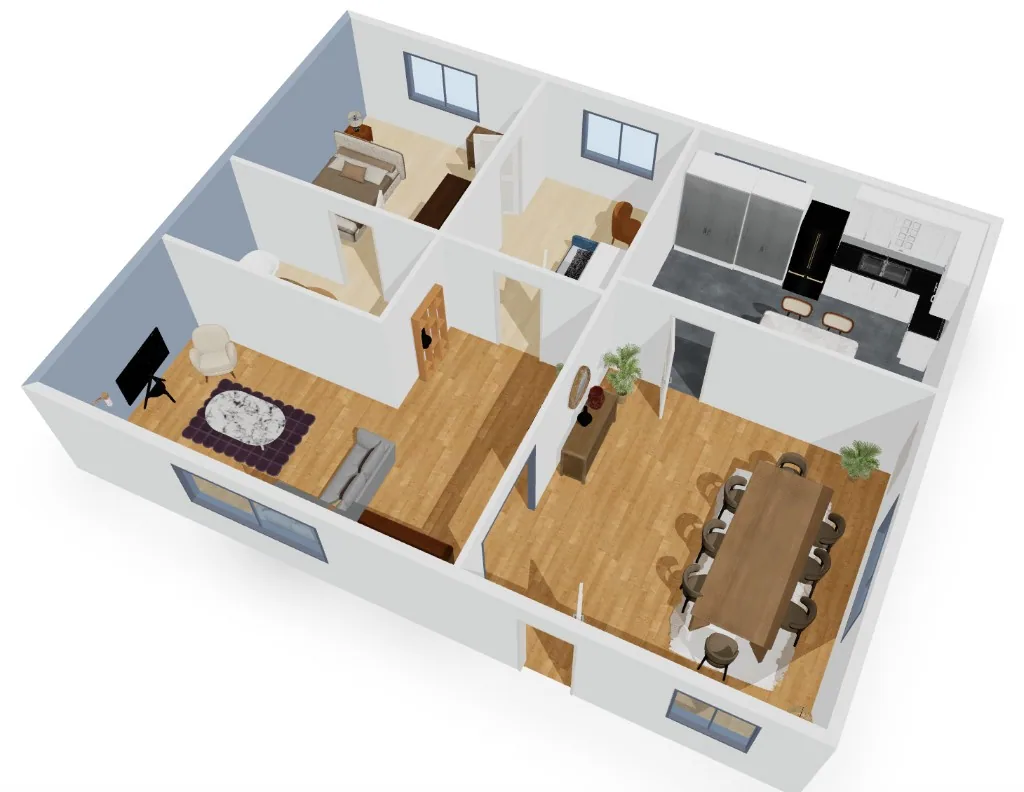
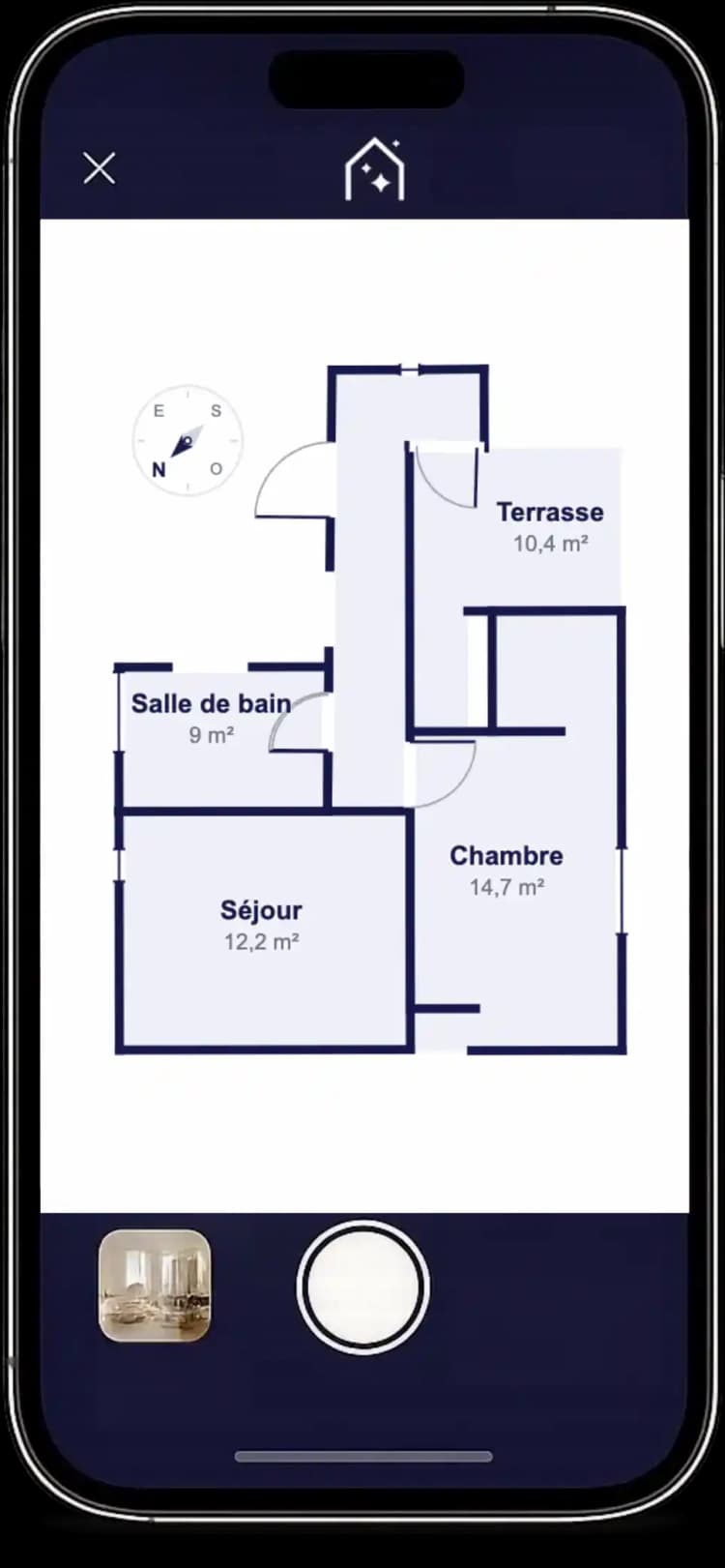
Create accurate 2D floor plans and visualize the property in furnished 3D — perfect for your listings, documents, and discussions with buyers.
For now, available only on iPhone Pro (LiDAR sensor).
2D Plan
3D View
Straighten a photo
In the photo editor, slightly rotate a tilted shot to align the walls and horizon — then confirm to get a straightened photo, ready for your listings.
Share an interactive plan with prospects
Send a link to an interactive plan: your prospects can explore the space, change flooring and paint, move the layout… to make the property their own at their own pace.
On a property's listing, select all or only certain media (photos, videos, plans) to download with one click — ideal for preparing a file or delivering to a client quickly.
Crop a photo
In the photo editor, adjust the frame to the area to keep and then confirm: IACrea creates a new cropped photo, ready for your listings or your presentations.
August 2026
Videos from the mobile app
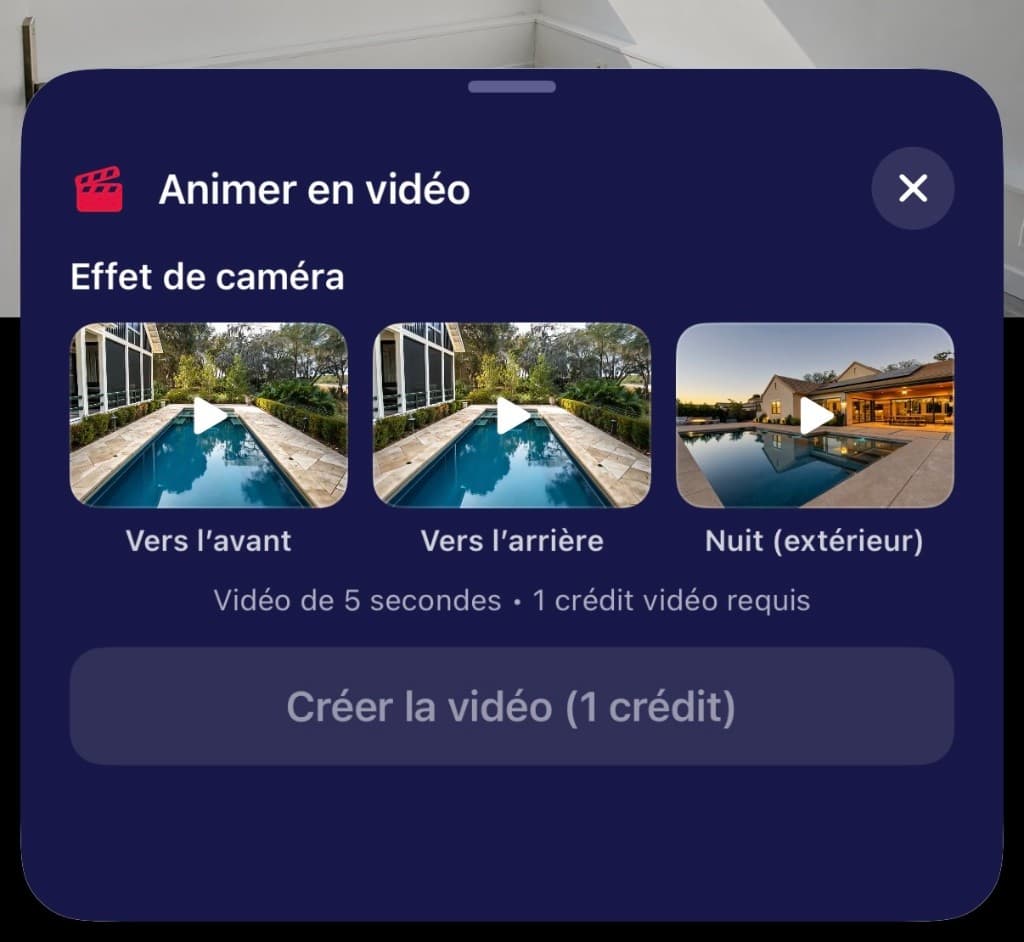
Bring your photos to life in video directly from the IACrea mobile app: camera effects (forward, backward, night) for 5-second clips.
2D Plans from the Mobile Application
Scan every room with your iPhone Pro and receive an accurate 2D plan in just a few minutes. Modify the walls, furnish with furniture and colors, and export for your listings – directly from the IACrea app.
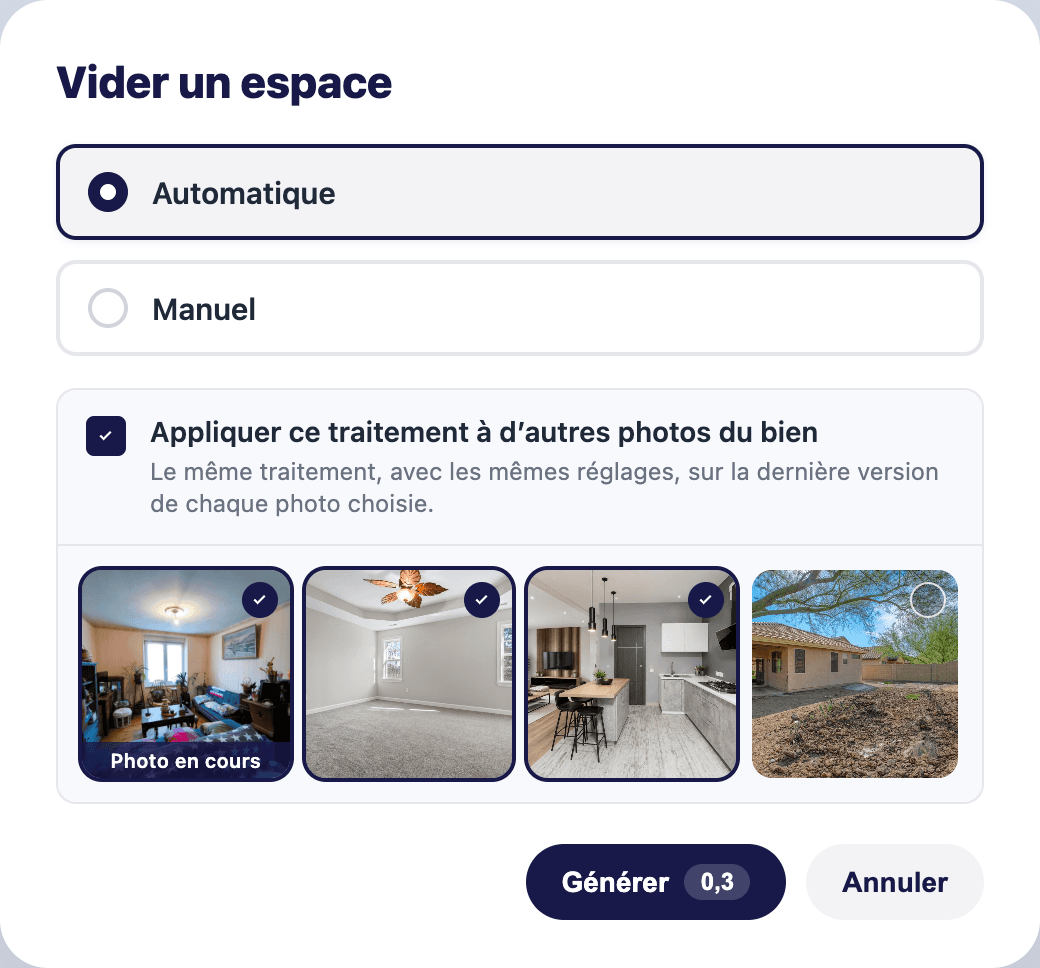
In the photo editor, each treatment now offers the option "Apply this treatment to other photos of the property." Select the relevant photos: the same treatment, with the same settings, is applied with one click. Ideal for saving time on a property with multiple rooms to process.
July 2026
Overlay on your photos
You can now blur specific areas in your photos: license plates, faces, sensitive elements — directly from the photo editor. Unlimited feature in all subscriptions.
Original photo
Blurry photo
New Video Effects
Enhance your montages with new effects such as zooming in on an address (map view, satellite view, etc.), a QR code to redirect to the listing or schedule an appointment... Go to "Create a wow effect" in the video editor to try them out.
Zoom to an address
June 2026
View by property
As soon as you add a property from the app or the web, find it on IACrea along with all your associated media and projects — photos, edits, AI videos, and edits all gathered in one file.
Voice-over and subtitles
Bring your video montages to life by adding a voiceover and synchronized subtitles. Go to the "Video Montage" tab to try it out.
Copy a layout
Do you like a layout? In `Photos`, use the action "Furnish an empty space", select "Copy a layout" and the layout of your room will be similar to the selected layout.
Empty apartment
Replicating the Arrangement
Achieved Result
Home Staging through the mobile app
Clearing, tidying up, setting up, and renovating has never been easier, as everything is integrated directly into the mobile application.
Download Quality Selection
When uploading your photos, choose the quality suitable for your use — original, high, standard, or web, with the estimated file size displayed for each option.
Creative automatic video assembly
Using photos and the listing text, IACrea automatically generates the video montage, featuring creative effects like nightfall or the appearance of people. Head to the "Video Montage" tab to try it out.
New AI effects
Customize your videos by embedding your agency's logo in creative effects. Visit the AI Video tab to try it out.
Suitcase with the agency logo that opens to furnish the room.
Agency logo truck arriving in front of the house for the move.
Gift wrap with the agency's logo that opens to reveal the home
May 2026
TikTok Post
Connect your TikTok account and post your updates directly on social media from IACrea.
IACrea mobile app for professional photo taking
IACrea now has an app for stunning HDR photos. Available on iPhone and Android.
Already an IACrea customer? Contact us to activate your access.
Using listing photos and text, IACrea now automatically creates the video. Go to the "Video Editing" tab to try it.
March 2026
New AI Effects
Customize your home staging by overlaying your logo onto the image, or bring your properties to life by adding people. Go to the AI Video tab to try it.