
Most agents who start posting on Instagram and Facebook give up after a few weeks. It's rarely a lack of ideas. It's the back-and-forth: the photo editor in one tab, Instagram open in another, then the same post rebuilt on Facebook. IACrea removes that back-and-forth by putting creation and publishing in one place.
This tutorial shows you how to schedule real estate posts on Instagram and Facebook straight from your IACrea account, without leaving the app: connect your accounts once, build the post, then publish it or schedule it in a few clicks.
What you'll learn in this tutorial:
- How to connect your Instagram professional account and your Facebook Page to IACrea
- The exact steps to create and publish one post on several networks
- The difference between publishing now and scheduling, and when to use each
- How to read the status calendar and fix a failed post
- Best practices for posting frequency and format on each network
Why post from IACrea instead of juggling apps
According to NAR's 2025 Profile of Home Buyers and Sellers, 52% of buyers found the home they bought online, and 70% used a phone or tablet during their search (NAR). Those are the same screens your buyers and sellers scroll Instagram and Facebook on every day. If you're not showing up there, you're leaving a whole prospecting channel to other agents.
The obstacle is almost never motivation. It's friction: export a staged photo, crop it to the right size, reopen Instagram, retype the caption, then do it all again for Facebook. Repeat that for every listing and your posting schedule falls apart, even though consistency is exactly what both platforms' algorithms reward.
IACrea's social media scheduling moves publishing into the same tool you create with. The staged photo, video, or template you just made goes out without being downloaded and re-uploaded somewhere else.
What you need before you start
- An IACrea account (the free trial is enough to connect your networks and publish your first posts)
- An Instagram Business or Creator account: Meta only lets third-party apps publish to professional accounts, and that includes IACrea
- A Facebook Page, with admin access if you post for your brokerage or team (a personal profile can't be connected)
If your Instagram account is still personal, go to your Instagram settings: switching to a professional account is free and takes less than two minutes.
Step 1: connect your Instagram and Facebook accounts
In IACrea, go to Settings > Social Networks. Click Connect next to Instagram, then authorize access in the Meta window that opens. Facebook connects the same way; if you manage several Pages, pick the one you want to post to.
Once connected, each account shows Logged in as... followed by the profile or Page name. You only redo this step if the connection drops (you changed your Meta password, or the access token expired after a few months), not every time you post.
 Once your accounts are connected, IACrea shows how many networks are active right in the post editor
Step 2: create your post
From an existing project (staged photos, an AI-generated video) or from the template library, select up to 10 photos or one video. This is where your branding comes in: your logo, colors, and contact details are applied automatically when you use a custom template.
For a before-and-after carousel, drag and drop the photos into the order you want right in the editor. For video, each post takes a single file, so export the right format first (square for the feed, vertical for Reels and Stories).
The template adjusts to the format of each network you select
Step 3: write (or generate) your caption
Move on to the Write your caption screen. Type it yourself, or click Generate text with AI: describe the home in one sentence (“3-bed, 2-bath house with a big backyard in Austin, $450,000”) and IACrea drafts a caption sized for the network, hashtags included.
In Individual mode, you can tailor the caption to each network, which helps if your brokerage's Instagram has a broader, lifestyle tone while your Facebook Page focuses on just-sold homes. In Global mode, the same caption goes to both networks at once, and that's all most posts need.
Step 4: publish now or schedule
This is the key decision in the workflow. Publish now sends the post live to the selected networks within seconds. Plan opens a date and time picker, so you can batch several days of content in one sitting (say, Tuesday evening) and let IACrea post when your audience is most active. Check the Time zone field before you confirm, especially if you work a market in a different time zone from your own.
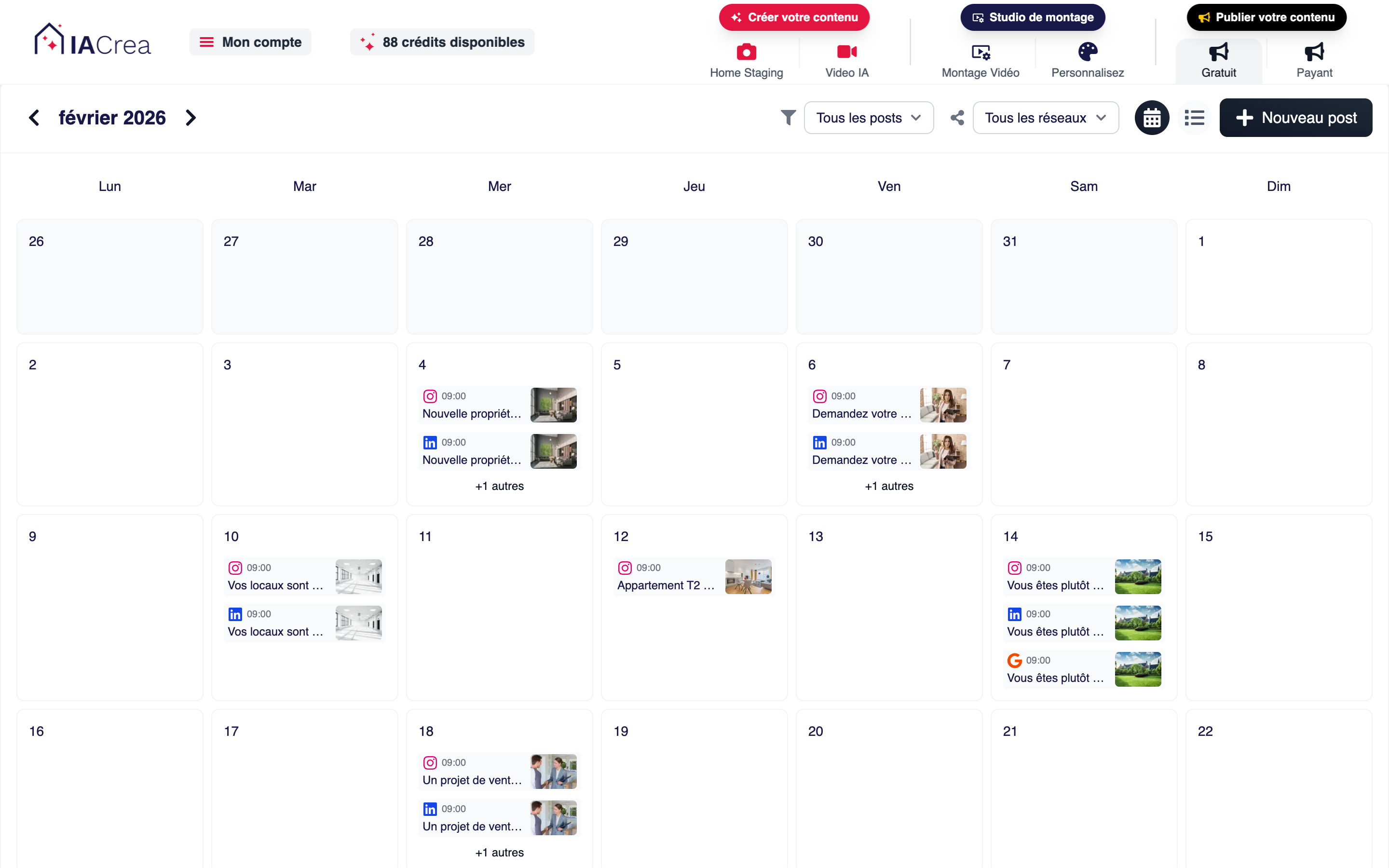 The calendar shows published, planned, pending, and failed posts at a glance, across all networks
The habit agents on the platform mention most often: prepare a batch of 3 to 5 posts on one day of the week, then schedule them over the following days. It holds up far better over time than posting on the fly.
Track your posts: the status calendar
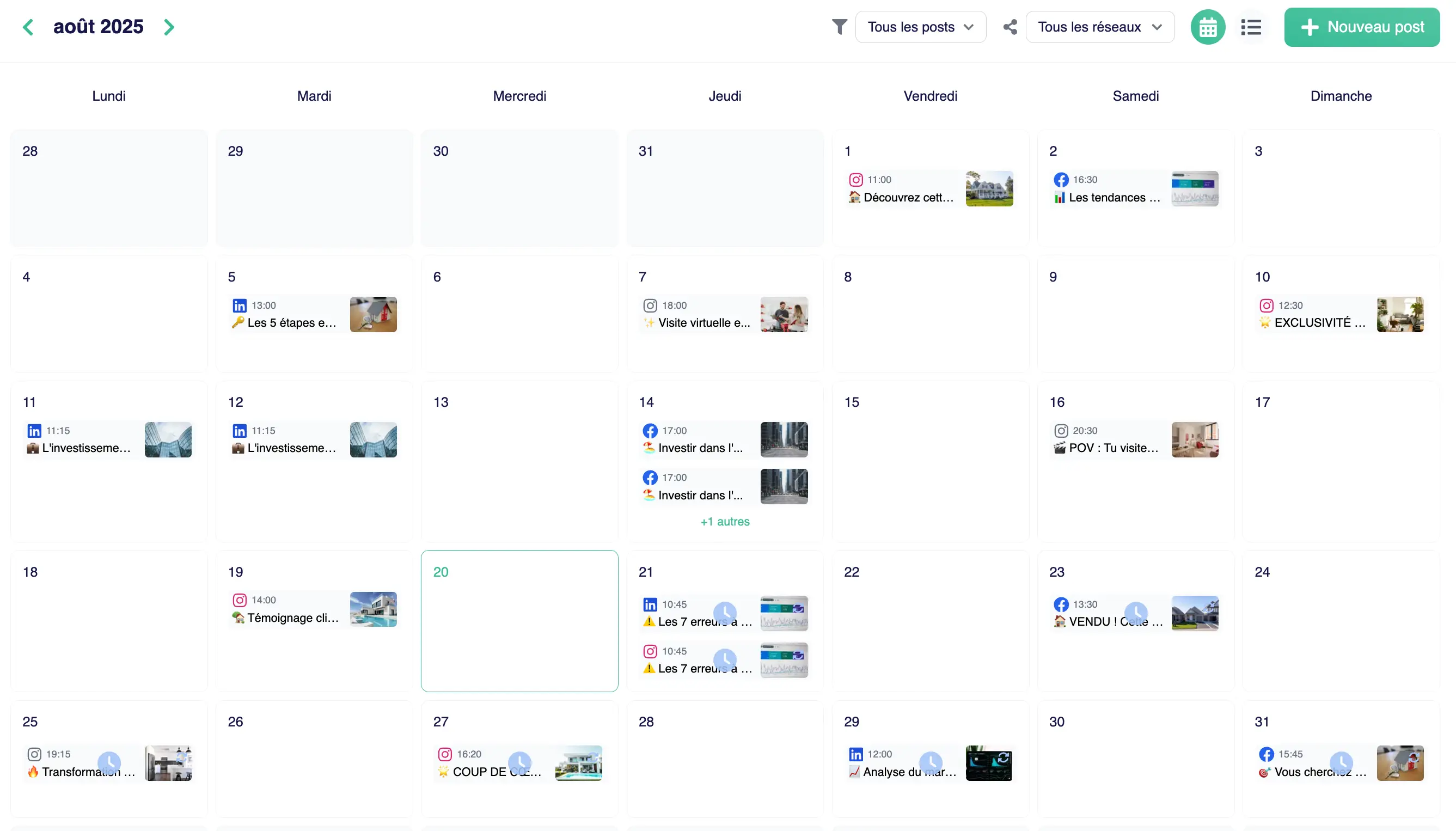
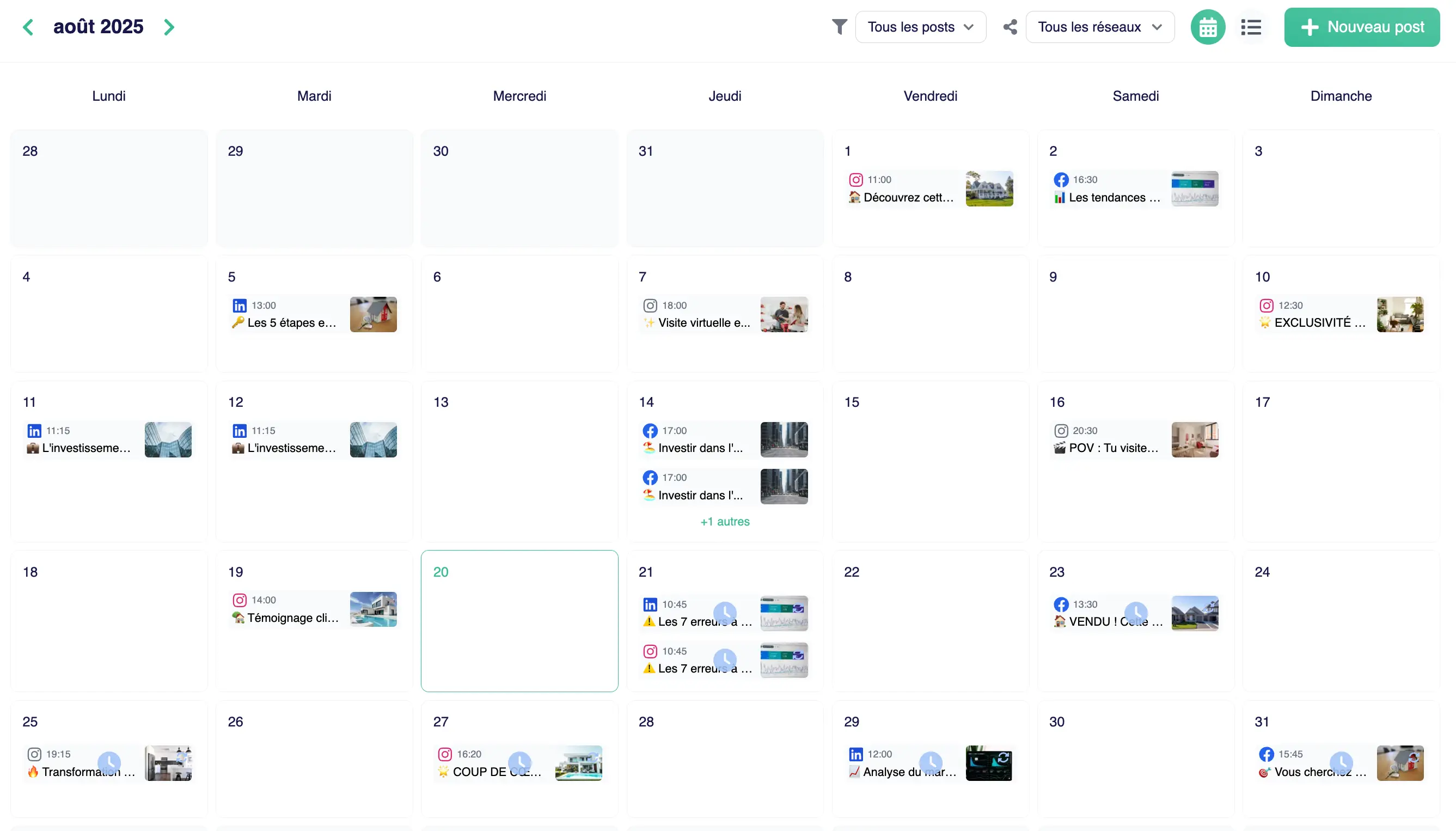
Every published or scheduled post appears in the calendar with a status: Published, Planned, Pending, Failed, or Draft. A network filter lets you separate the Instagram view from the Facebook view if you manage several accounts or several offices.
When a post fails (usually because the Meta session expired), the calendar shows the error details. Reconnect the account (back to Step 1), then publish or reschedule the post. You don't lose the image or the caption you already prepared.
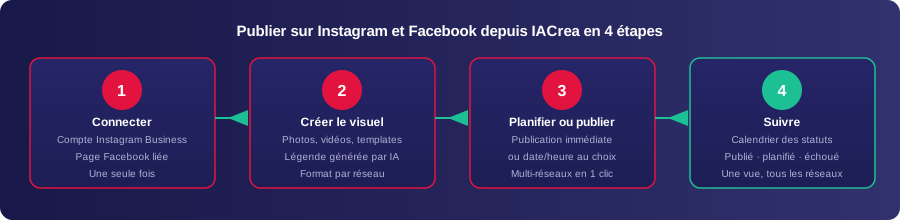 From connecting your accounts to tracking statuses, the whole workflow fits in one screen
Best practices: frequency and format by network
| Network | Best format | Recommended frequency | Best for |
|---|---|---|---|
| Instagram feed | Square carousel (1:1) | 3–5×/week | Before-and-after, listing carousels |
| Instagram Reels/Stories | Vertical (9:16) | 2–3×/week | Short AI videos, behind the scenes |
| Portrait or landscape | 3–4×/week | Just-sold homes, local reach |
Consistency beats volume every time. Three posts a week all year long will do more for you than five a week for one month followed by two months of silence. That steady rhythm, more than the raw number of posts, is what Instagram and Facebook reward with organic reach.
To go beyond the mechanics of publishing, our guide to real estate social media content with AI covers the four formats that perform best and the metrics that actually predict listing leads.
FAQ
Do I need a professional account to post from IACrea? Yes for Instagram: you need an Instagram Business or Creator account. Meta only allows third-party apps to publish to professional accounts. For Facebook, you connect a Page; a personal profile can't be connected. If your Instagram account is still personal, you can switch it to a professional account for free in your Instagram settings in under 2 minutes.
How long does it take to publish a post from IACrea? Once your accounts are connected, plan on 5 to 10 minutes for a complete post: pick your media, customize the post with your templates, write or generate the caption, then publish now or schedule it. You only connect your accounts once, and it takes less than 3 minutes.
Can I schedule several posts in advance on Instagram and Facebook? Yes. The IACrea scheduling calendar lets you prepare a week or a month of posts in one session, with a set date and time for each post and each network. The status of every post (Planned, Published, Failed, Draft) stays visible at a glance in the calendar.
What happens if a post fails? The post shows up with the “Failed” status in the calendar, along with the error details (most often an expired Meta connection). Reconnect the account in your settings, then publish or reschedule the post. You keep the image and the caption you already wrote.
Which social networks work with IACrea scheduling? This tutorial covers Instagram and Facebook, but IACrea also lets you connect LinkedIn and Google Business from the same scheduling screen, so all your real estate content runs from a single calendar.
Conclusion
Posting consistently on Instagram and Facebook no longer means juggling three apps for every listing. Connect your accounts once, build the post with your branded templates, then publish or schedule it in a few clicks from the same place you already create your photos and videos in IACrea. For inspiration, see posts published by agents on our examples page.
Connect your Instagram and Facebook accounts today and try IACrea social media scheduling for free to post your next listing without leaving the app.
About the author

Co-founder & CTO of IACrea
Constance Laborie is co-founder and CTO of IACrea, the AI platform that helps real estate professionals create their visuals — photos, virtual home staging and videos — in seconds. She leads the product and technical development of the platform and writes practical guides on real estate photography, virtual home staging and the use of AI in real estate.
Related articles
Ready to turn your photos into content that sells?
Join thousands of real estate agents using IACrea to create professional content in seconds.
Try for free →